一 什么是Large Pool 大池是系统全局区中可选的一个内存区。主要在下面几种情况中使用:共享服务器的全局用户区( UGA )、并行进程、使用 RMAN 作备份恢复。大小由参数 LARGE_POOL_SIZE 决定,也可以动态改变大
大池是系统全局区中可选的一个内存区。主要在下面几种情况中使用:共享服务器的全局用户区(UGA)、并行进程、使用RMAN作备份恢复。大小由参数LARGE_POOL_SIZE决定,也可以动态改变大小。
The database administrator can configure an optional memory area called the large pool to provide large memory allocations for:
Session memory for the shared server and the Oracle XA interface (used where transactions interact with more than one database)
I/O server processes
Oracle Database backup and restore operations
By allocating session memory from the large pool for shared server, Oracle XA, or parallel query buffers, Oracle Database can use the shared pool primarily for caching shared SQL and avoid the performance overhead caused by shrinking the shared SQL cache.
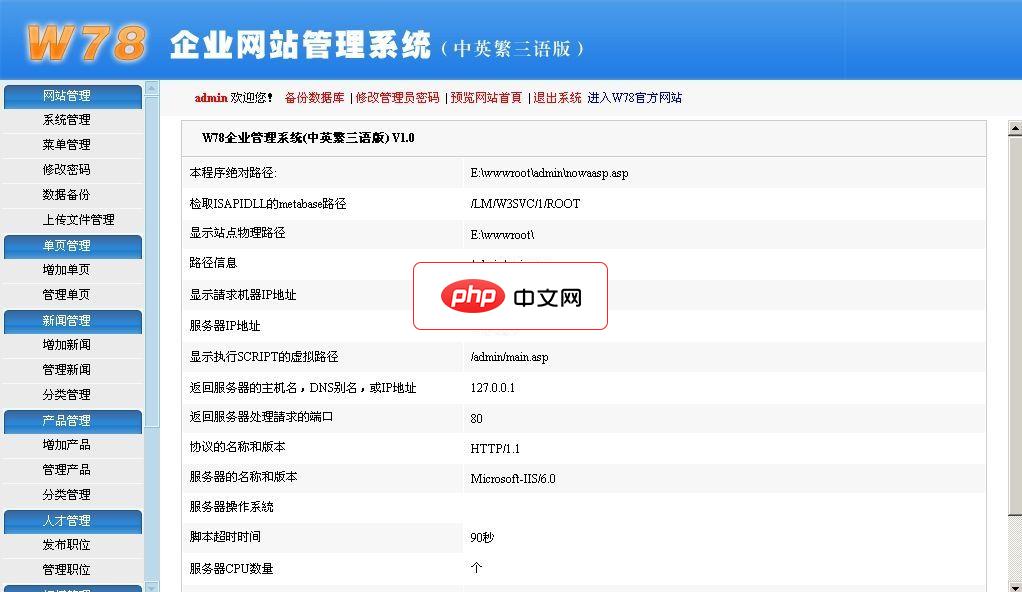
程序采用ASP+ACCESS开发完成。中英繁三语言,所有页面采用UTF-8全球通用编码,兼容简体中文、繁体中文及英语,适用于中小企业网站运用。后台数据同时录入中文及英文,繁体采用JS自动转换,无需维护。免费版主要功能如下:·系统管理:系统综合设置、管理员管理、数据库备份、上传文件管理。·单页管理:自由无限制添加个性页面,如:公司简介、组织结构、联系我们等
 0
0

In addition, the memory for Oracle Database backup and restore operations, for I/O server processes, and for parallel buffers is allocated in buffers of a few hundred kilobytes. The large pool is better able to satisfy such large memory requests than the shared pool.
The large pool does not have an LRU list. It is different from reserved space in the shared pool, which uses the same LRU list as other memory allocated from the shared pool.
SQL> show parameter large_pool_size;

NAME				     TYPE	 VALUE
------------------------------------ ----------- ------------------------------
large_pool_size 		     big integer 0
--12M——14M足够
SQL> alter system set large_pool_size=10M;

System altered.

SQL> show parameter large_pool_size;

NAME				     TYPE	 VALUE
------------------------------------ ----------- ------------------------------
large_pool_size 		     big integer 12M
1.Large Pool:大池,是系统全局区中可选的一个内存区。
2.可以通过参数large_pool_size查询大池的大小。
我的邮箱:wgbno27@163.com 新浪微博:@Wentasy27 微信公众平台:JustOracle(微信号:justoracle) IT交流群:336882565(加群时验证 From CSDN XXX) Oracle交流讨论组:https://groups.google.com/d/forum/justoracle By Larry Wen
| @@##@@ | @@##@@ @@##@@ |
| @Wentasy |



每个人都需要一台速度更快、更稳定的 PC。随着时间的推移,垃圾文件、旧注册表数据和不必要的后台进程会占用资源并降低性能。幸运的是,许多工具可以让 Windows 保持平稳运行。

 广告
广告Copyright 2014-2025 https://www.php.cn/ All Rights Reserved | php.cn | 湘ICP备2023035733号


 112
112



 收藏
收藏