



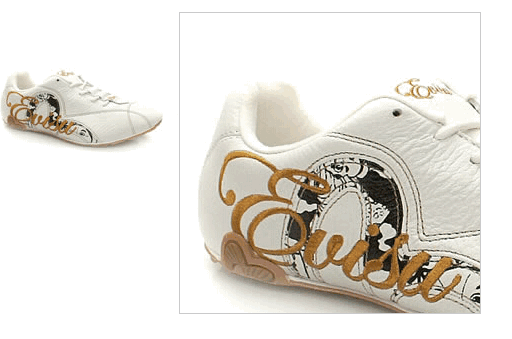
1. jquery.jqzoom.js
//**************************************************************
// jQZoom allows you to realize a small magnifier window,close
// to the image or images on your web page easily.
//
// jqZoom version 2.2
// Author Doc. Ing. Renzi Marco(www.mind-projects.it)
// First Release on Dec 05 2007
// i'm looking for a job,pick me up!!!
// mail: renzi.mrc@gmail.com
//**************************************************************
(function ($) {
$.fn.jqueryzoom = function (options) {
var settings = {
xzoom: 200, //zoomed width default width
yzoom: 200, //zoomed div default width
offset: 10, //zoomed div default offset
position: "right",//zoomed div default position,offset position is to the right of the image
lens: 1, //zooming lens over the image,by default is 1;
preload: 1
};
if (options)
{
$.extend(settings, options);
}
var noalt = '';
$(this).hover(function () {
var imageLeft = $(this).offset().left;
var imageTop = $(this).offset().top;
var imageWidth = $(this).children('img').get(0).offsetWidth;
var imageHeight = $(this).children('img').get(0).offsetHeight;
noalt = $(this).children("img").attr("alt");
var bigimage = $(this).children("img").attr("jqimg");
$(this).children("img").attr("alt", '');
if ($("div.zoomdiv").get().length == 0)
{
$(this).after(";
$(this).append(" ");
}
if (settings.position == "right")
{
if (imageLeft + imageWidth + settings.offset + settings.xzoom > screen.width)
{
leftpos = imageLeft - settings.offset - settings.xzoom;
} else
{
leftpos = imageLeft + imageWidth + settings.offset;
}
} else
{
leftpos = imageLeft - settings.xzoom - settings.offset;
if (leftpos < 0)
{
leftpos = imageLeft + imageWidth + settings.offset;
}
}
$("div.zoomdiv").css({ top: imageTop, left: leftpos });
$("div.zoomdiv").width(settings.xzoom);
$("div.zoomdiv").height(settings.yzoom);
$("div.zoomdiv").show();
if (!settings.lens)
{
$(this).css('cursor', 'crosshair');
}
$(document.body).mousemove(function (e) {
mouse = new MouseEvent(e);
/*$("div.jqZoomPup").hide();*/
var bigwidth = $(".bigimg").get(0).offsetWidth;
var bigheight = $(".bigimg").get(0).offsetHeight;
var scaley = 'x';
var scalex = 'y';
if (isNaN(scalex) | isNaN(scaley))
{
var scalex = (bigwidth / imageWidth);
var scaley = (bigheight / imageHeight);
$("div.jqZoomPup").width((settings.xzoom) / scalex);
$("div.jqZoomPup").height((settings.yzoom) / scaley);
if (settings.lens)
{
$("div.jqZoomPup").css('visibility', 'visible');
}
}
xpos = mouse.x - $("div.jqZoomPup").width() / 2 - imageLeft;
ypos = mouse.y - $("div.jqZoomPup").height() / 2 - imageTop;
if (settings.lens)
{
xpos = (mouse.x - $("div.jqZoomPup").width() / 2 < imageLeft) ? 0 : (mouse.x + $("div.jqZoomPup").width() / 2 > imageWidth + imageLeft) ? (imageWidth - $("div.jqZoomPup").width() - 2) : xpos;
ypos = (mouse.y - $("div.jqZoomPup").height() / 2 < imageTop) ? 0 : (mouse.y + $("div.jqZoomPup").height() / 2 > imageHeight + imageTop) ? (imageHeight - $("div.jqZoomPup").height() - 2) : ypos;
}
if (settings.lens)
{
$("div.jqZoomPup").css({ top: ypos, left: xpos });
}
scrolly = ypos;
$("div.zoomdiv").get(0).scrollTop = scrolly * scaley;
scrollx = xpos;
$("div.zoomdiv").get(0).scrollLeft = (scrollx) * scalex;
});
}, function () {
$(this).children("img").attr("alt", noalt);
$(document.body).unbind("mousemove");
if (settings.lens)
{
$("div.jqZoomPup").remove();
}
$("div.zoomdiv").remove();
});
count = 0;
if (settings.preload)
{
$('body').append("");
$(this).each(function () {
var imagetopreload = $(this).children("img").attr("jqimg");
var content = jQuery('div.jqPreload' + count + '').html();
jQuery('div.jqPreload' + count + '').html(content + '
");
$(this).append(" ");
}
if (settings.position == "right")
{
if (imageLeft + imageWidth + settings.offset + settings.xzoom > screen.width)
{
leftpos = imageLeft - settings.offset - settings.xzoom;
} else
{
leftpos = imageLeft + imageWidth + settings.offset;
}
} else
{
leftpos = imageLeft - settings.xzoom - settings.offset;
if (leftpos < 0)
{
leftpos = imageLeft + imageWidth + settings.offset;
}
}
$("div.zoomdiv").css({ top: imageTop, left: leftpos });
$("div.zoomdiv").width(settings.xzoom);
$("div.zoomdiv").height(settings.yzoom);
$("div.zoomdiv").show();
if (!settings.lens)
{
$(this).css('cursor', 'crosshair');
}
$(document.body).mousemove(function (e) {
mouse = new MouseEvent(e);
/*$("div.jqZoomPup").hide();*/
var bigwidth = $(".bigimg").get(0).offsetWidth;
var bigheight = $(".bigimg").get(0).offsetHeight;
var scaley = 'x';
var scalex = 'y';
if (isNaN(scalex) | isNaN(scaley))
{
var scalex = (bigwidth / imageWidth);
var scaley = (bigheight / imageHeight);
$("div.jqZoomPup").width((settings.xzoom) / scalex);
$("div.jqZoomPup").height((settings.yzoom) / scaley);
if (settings.lens)
{
$("div.jqZoomPup").css('visibility', 'visible');
}
}
xpos = mouse.x - $("div.jqZoomPup").width() / 2 - imageLeft;
ypos = mouse.y - $("div.jqZoomPup").height() / 2 - imageTop;
if (settings.lens)
{
xpos = (mouse.x - $("div.jqZoomPup").width() / 2 < imageLeft) ? 0 : (mouse.x + $("div.jqZoomPup").width() / 2 > imageWidth + imageLeft) ? (imageWidth - $("div.jqZoomPup").width() - 2) : xpos;
ypos = (mouse.y - $("div.jqZoomPup").height() / 2 < imageTop) ? 0 : (mouse.y + $("div.jqZoomPup").height() / 2 > imageHeight + imageTop) ? (imageHeight - $("div.jqZoomPup").height() - 2) : ypos;
}
if (settings.lens)
{
$("div.jqZoomPup").css({ top: ypos, left: xpos });
}
scrolly = ypos;
$("div.zoomdiv").get(0).scrollTop = scrolly * scaley;
scrollx = xpos;
$("div.zoomdiv").get(0).scrollLeft = (scrollx) * scalex;
});
}, function () {
$(this).children("img").attr("alt", noalt);
$(document.body).unbind("mousemove");
if (settings.lens)
{
$("div.jqZoomPup").remove();
}
$("div.zoomdiv").remove();
});
count = 0;
if (settings.preload)
{
$('body').append("");
$(this).each(function () {
var imagetopreload = $(this).children("img").attr("jqimg");
var content = jQuery('div.jqPreload' + count + '').html();
jQuery('div.jqPreload' + count + '').html(content + ' ');
});
}
}
})(jQuery);
function MouseEvent(e) {
this.x = e.pageX;
this.y = e.pageY;
}
');
});
}
}
})(jQuery);
function MouseEvent(e) {
this.x = e.pageX;
this.y = e.pageY;
}
2. jqzoom.css
/*jQzoom*/
.jqzoom{
border:1px solid #BBB;
float:left;
position:relative;
padding:0px;
cursor:pointer;
}
div.zoomdiv {
z-index: 999;
position : absolute;
top:0px;
left:0px;
width : 200px;
height : 200px;
background: #ffffff;
border:1px solid #CCCCCC;
display:none;
text-align: center;
overflow: hidden;
}
div.jqZoomPup {
z-index : 999;
visibility : hidden;
position : absolute;
top:0px;
left:0px;
width : 50px;
height : 50px;
border: 1px solid #aaa;
background: #ffffff url(../images/zoomlens.gif) 50% top no-repeat;
opacity: 0.5;
-moz-opacity: 0.5;
-khtml-opacity: 0.5;
filter: alpha(Opacity=50);
}
3. html代码

附件:放大镜图标(zoomlens.gif)
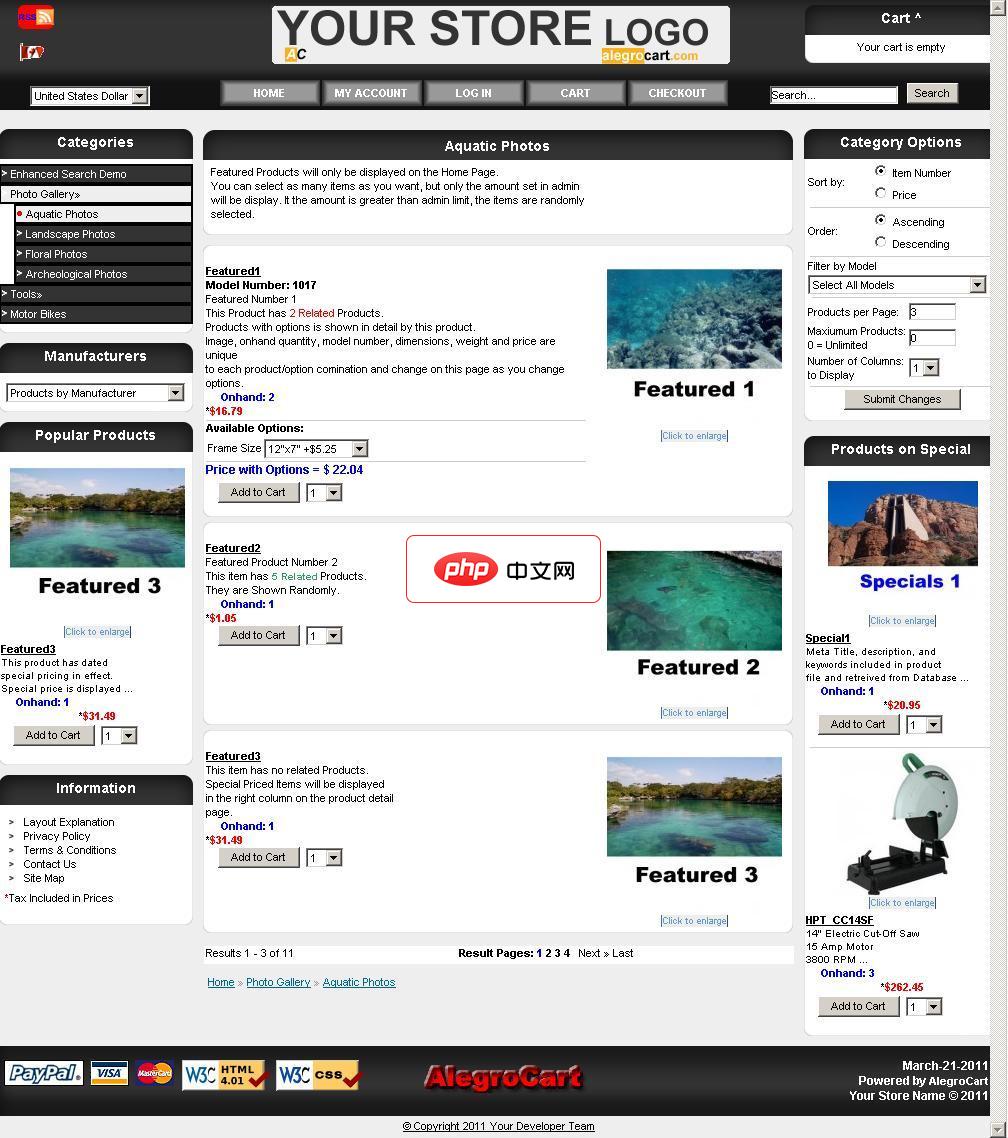
AlegroCart
下载
AlegroCart新功能:维类:包括在这两种线性长宽高或面积或体积长波产品尺寸允许与期权产品:让产品/期权组合独特的数量,尺寸,图像和型号。选择店铺标识管理 图片放大镜:显示一个图片放大上空盘旋时,产品形象弹出框。自定义错误报告:设置在管理员启用。 开发者只可以显示详细的信息。错误信息都写入到错误日志文件每天可以通过电子邮件发送给管理员。仓库皮卡航运模块:允许客户指定产品在商店的位置回升。增加了




