
自动对象序列化是转换XML和二进制对象的最简单方法。需要特别说明的是,自动对象序列化仅对公有数据类型和公有数据成员有效。 public class Person{ public string FirstName { get; set; } public char MiddleInitial { get; set; } public string LastName
自动对象序列化是转换XML和二进制对象的最简单方法。需要特别说明的是,自动对象序列化仅对公有数据类型和公有数据成员有效。public class Person
{
public string FirstName { get; set; }
public char MiddleInitial { get; set; }
public string LastName { get; set; }
public DateTime BirthDate { get; set; }
public double HighschoolGPA { get; set; }
public Address Address { get; set; }
//to be XML serialized, the type must have
//a parameterless constructor
public Person() { }
public Person(string firstName, char middleInitial, string lastName,
DateTime birthDate, double highSchoolGpa, Address address)
{
this.FirstName = firstName;
this.MiddleInitial = middleInitial;
this.LastName = lastName;
this.BirthDate = birthDate;
this.HighschoolGPA = highSchoolGpa;
this.Address = address;
}
public override string ToString()
{
return FirstName + " " + MiddleInitial + ". " + LastName + ", DOB:" + BirthDate.ToShortDateString() + ", GPA: " + this.HighschoolGPA + Environment.NewLine + Address.ToString();
}
}
//sorry, don’t feel like listing out 50 states :)
public enum StateAbbreviation { RI, VA, SC, CA, TX, UT, WA };
public class Address
{
public string AddressLine1 { get; set; }
public string AddressLine2 { get; set; }
public string City { get; set; }
public StateAbbreviation State { get; set; }
public string ZipCode { get; set; }
public Address() { }
public Address(string addressLine1, string addressLine2,
string city, StateAbbreviation state, string zipCode)
{
this.AddressLine1 = addressLine1;
this.AddressLine2 = addressLine2;
this.City = city;
this.State = state;
this.ZipCode = zipCode;
}
public override string ToString()
{
return AddressLine1 + Environment.NewLine + AddressLine2 + Environment.NewLine + City + ", " + State + " " + ZipCode;
}
}
使用简单的代码进行序列化(然后反序列化)。
Person person = new Person("John", 'Q', "Public",
                           new DateTime(1776, 7, 4), 3.5,
                           new Address("1234 Cherry Lane", null, "Smalltown",
                                       StateAbbreviation.VA, "10000"));
Console.WriteLine("Before serialize:" + Environment.NewLine +
                  person.ToString());
XmlSerializer serializer = new XmlSerializer(typeof (Person));
//for demo purposes, just serialize to a string
StringBuilder sb = new StringBuilder();
using (StringWriter sw = new StringWriter(sb))
{
    //the actual serialization
    serializer.Serialize(sw, person);
    Console.WriteLine(Environment.NewLine + "XML:" + Environment.NewLine +
                      sb.ToString() + Environment.NewLine);
}
using (StringReader sr = new StringReader(sb.ToString()))
{
    //deserialize from text back into binary
    Person newPerson = serializer.Deserialize(sr) as Person;
    Console.WriteLine("After deserialize:" + Environment.NewLine +
                      newPerson.ToString());
}
输出为:
before serialize:
John Q. Public, DOB:7/4/1776, GPA: 3.5
1234 Cherry Lane
Smalltown, VA 10000
XML:
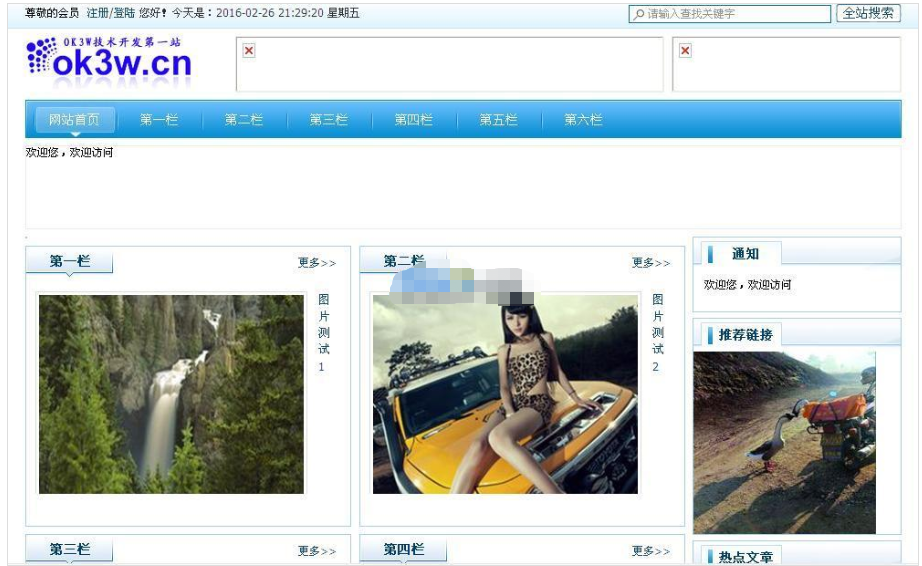
OK3W图片头条系统说明 1:此程序较为适合展示类网站使用,适合首页略缩图更新不太频繁的网站使用,因为添加首页略缩图的时候手工操作的过程比较多,较为繁琐。 2:本次优化编辑器的部分,使编辑器加载的时候更加快速一些。 3:在编辑后院放置3套编辑器,分别是“内页文章编辑器”,“首页略缩图编辑器”,“列表页图片编辑器”,使得操作的时候清晰明了。 4:重要重要重要,要想在首页显示某篇文章略缩图,需
 63
63

After deserialize:
John Q. Public, DOB:7/4/1776, GPA: 3.5
1234 Cherry Lane
Smalltown, VA 10000

每个人都需要一台速度更快、更稳定的 PC。随着时间的推移,垃圾文件、旧注册表数据和不必要的后台进程会占用资源并降低性能。幸运的是,许多工具可以让 Windows 保持平稳运行。

Copyright 2014-2025 https://www.php.cn/ All Rights Reserved | php.cn | 湘ICP备2023035733号


 534
534




 收藏
收藏











