
注意事项:1此处实验环境为同平台,同字节序,同版本,源机器和目标机器相同的目录结构。2目标机器只需要安装oracle数据库软件即可。3第一次利用备份恢复测试环
注意事项:
1 此处实验环境为同平台,同字节序,美国空间,同版本,源机器和目标机器相同的目录结构。
2 目标机器只需要安装oracle数据库软件即可。
3 第一次利用备份恢复测试环境,香港服务器,之后从源机器拷贝备份到目标机器并在控制文件中注册,再见行恢复测试。
一 拷贝参数文件备份、控制文件备份、数据文件备份、以及归档备份到新主机上
1 rman 连接到源数据库
[oracle@oracle dbs]$ rman target /
Recovery Manager: Release 10.2.0.1.0 - Production on Tue Dec 11 19:02:05 2012
Copyright (c) 1982, 2005, Oracle. All rights reserved.
connected to target database: CRM (DBID=3601019238)
RMAN>
2 分别列出参数文件备份,控制文件备份,数据文件备份,以及归档备份的名字
参数文件备份如下:
RMAN> list backup of spfile;
BS Key Type LV Size Device Type Elapsed Time Completion Time
------- ---- -- ---------- ----------- ------------ ---------------
13 Full 7.11M DISK 00:00:04 09-DEC-12
BP Key: 13 Status: AVAILABLE Compressed: NO Tag: TAG20121209T040058
Piece Name: /oracle/app/db1/dbs/0dnsd96i_1_1
SPFILE Included: Modification time: 09-DEC-12
控制文件备份如下:
RMAN> list backup of controlfile;
BS Key Type LV Size Device Type Elapsed Time Completion Time
------- ---- -- ---------- ----------- ------------ ---------------
13 Full 7.11M DISK 00:00:04 09-DEC-12
BP Key: 13 Status: AVAILABLE Compressed: NO Tag: TAG20121209T040058
Piece Name: /oracle/app/db1/dbs/0dnsd96i_1_1
Control File Included: Ckp SCN: 2779528241 Ckp time: 09-DEC-12
数据文件备份如下:
RMAN> list backup of database;
BS Key Type LV Size Device Type Elapsed Time Completion Time
------- ---- -- ---------- ----------- ------------ ---------------
12 Full 599.38M DISK 00:03:33 09-DEC-12
BP Key: 12 Status: AVAILABLE Compressed: NO Tag: TAG20121209T040058
Piece Name: /oracle/app/db1/dbs/0cnsd8vq_1_1
List of Datafiles in backup set 12
File LV Type Ckp SCN Ckp Time Name
---- -- ---- ---------- --------- ----
1 Full 2779528081 09-DEC-12 /oracle/test/system1.dbf
2 Full 2779528081 09-DEC-12 /oracle/test/zxb.dbf
3 Full 2779528081 09-DEC-12 /oracle/test/sysaux01.dbf
4 Full 2779528081 09-DEC-12 /oracle/test/users01.dbf
5 Full 2779528081 09-DEC-12 /oracle/test/zxa.dbf
6 Full 2779528081 09-DEC-12 /oracle/test/test1.dbf
7 Full 2779528081 09-DEC-12 /oracle/test/zxc.dbf
8 Full 2779528081 09-DEC-12 /oracle/test/undotbs1.dbf
9 Full 2779528081 09-DEC-12 /oracle/test/zxbig.dbf
列出归档备份如下:
RMAN> list backup of archivelog all;
注意:归档的备份应该包括当前联机日志文件。
3 copy 这些备份到新的主机
二 恢复参数文件及控制文件
1 配置新主机上的ORACLE_SID
export ORACLE_SID=CRM
2 在新主机上发起rman连接
[oracle@oracle dbs]$ rman target /
Recovery Manager: Release 10.2.0.1.0 - Production on Mon Dec 10 05:49:11 2012
Copyright (c) 1982, 2005, Oracle. All rights reserved.
connected to target database (not started)
3 设置dbid 并启动实例到nomount状态
RMAN> set dbid 3601019238
executing command: SET DBID
RMAN> startup nomount
startup failed: ORA-01078: failure in processing system parameters
LRM-00109: could not open parameter file '/oracle/app/db1/dbs/initCRM.ora'
starting Oracle instance without parameter file for retrival of spfile
Oracle instance started
Total System Global Area 159383552 bytes
Fixed Size 2019224 bytes
Variable Size 67108968 bytes
Database Buffers 83886080 bytes
Redo Buffers 6369280 bytes
注意:在rman下即使没有参数文件,默认也会启动一个DUMMY实例,香港服务器租用,以便能够恢复参数文件。
4 恢复spfile文件
RMAN> restore spfile to '/oracle/app/db1/dbs/spfileCRM.ora' from '/oracle/app/db1/dbs/0dnsd96i_1_1';
Starting restore at 10-DEC-12
using target database control file instead of recovery catalog
allocated channel: ORA_DISK_1
channel ORA_DISK_1: sid=34 devtype=DISK
channel ORA_DISK_1: autobackup found: /oracle/app/db1/dbs/0dnsd96i_1_1
channel ORA_DISK_1: SPFILE restore from autobackup complete
Finished restore at 10-DEC-12
5 startup force nomount
RMAN> startup force nomount;
Oracle instance started
Total System Global Area 322961408 bytes
Fixed Size 2020480 bytes
Variable Size 96471936 bytes
Database Buffers 218103808 bytes
Redo Buffers 6365184 bytes
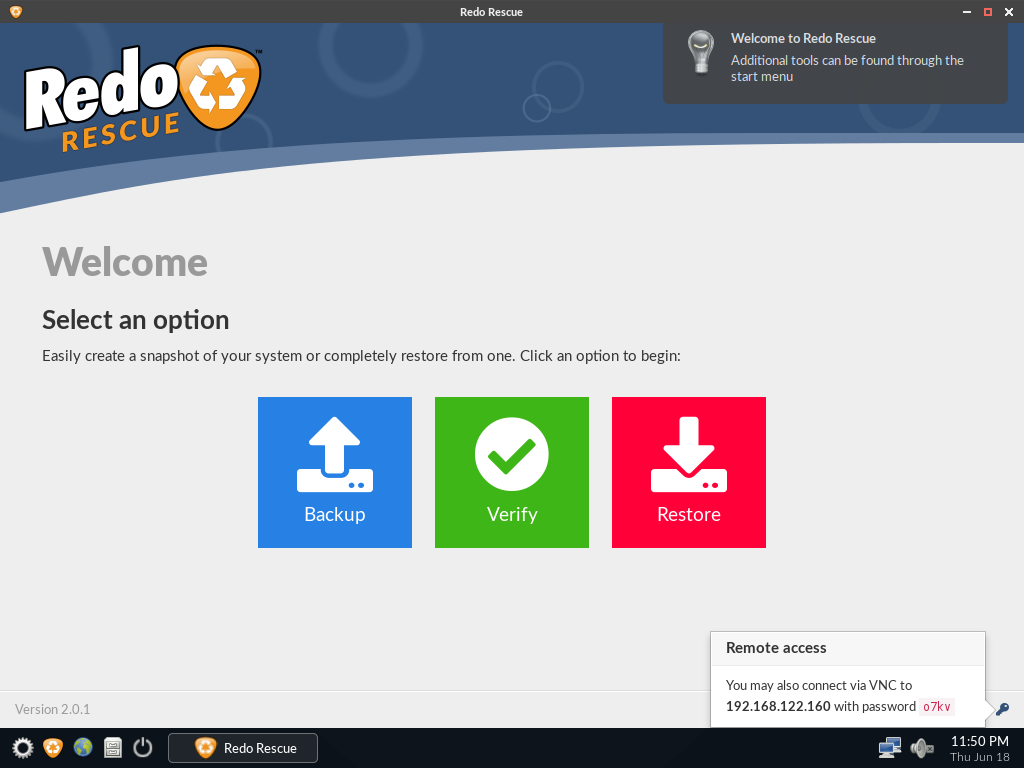
Redo Rescue备份和恢复可以在几分钟内备份和恢复整个系统,使用点-and-click界面,任何人都可以使用。裸机恢复到一个新的、空白的驱动器上,几分钟内即可启动和运行。支持保存和恢复到本地磁盘或共享网络驱动器。选择性地恢复分区并将其重新映射到目标驱动器上的不同位置。附带其他工具用于分区编辑、网页浏览等。从live CD/USB运行,无需安装。网站:http://redorescue.com论坛:https://sourceforge.net/p/redobackup/discussion/GitH
 6
6

6 恢复控制文件
RMAN> restore controlfile to '/oracle/CRM2/CRM/control01.ctl' from '/oracle/app/db1/dbs/0dnsd96i_1_1';
Starting restore at 10-DEC-12
allocated channel: ORA_DISK_1
channel ORA_DISK_1: sid=210 devtype=DISK
channel ORA_DISK_1: restoring control file
channel ORA_DISK_1: restore complete, elapsed time: 00:00:04
Finished restore at 10-DEC-12
cp /oracle/CRM2/CRM/control01.ctl /oracle/CRM2/CRM/control02.ctl
7 启动数据库到加载状态
RMAN> alter database mount;
database mounted
released channel: ORA_DISK_1
三 在新控制文件中注册数据文件备份和归档备份
RMAN> catalog start with '/backup/';
searching for all files that match the pattern /backup/
List of Files Unknown to the Database
=====================================
File Name: /backup/0ensd96n_1_1
File Name: /backup/0bnsd8vn_1_1
File Name: /backup/0cnsd8vq_1_1
Do you really want to catalog the above files (enter YES or NO)? yes
cataloging files...
cataloging done
List of Cataloged Files
=======================
File Name: /backup/0ensd96n_1_1
File Name: /backup/0bnsd8vn_1_1
File Name: /backup/0cnsd8vq_1_1
四 恢复整个库
1 RMAN> restore database;
Starting restore at 10-DEC-12
allocated channel: ORA_DISK_1
channel ORA_DISK_1: sid=209 devtype=DISK
channel ORA_DISK_1: starting datafile backupset restore
channel ORA_DISK_1: specifying datafile(s) to restore from backup set
restoring datafile 00001 to /oracle/test/system1.dbf
restoring datafile 00002 to /oracle/test/zxb.dbf
restoring datafile 00003 to /oracle/test/sysaux01.dbf
restoring datafile 00004 to /oracle/test/users01.dbf
restoring datafile 00005 to /oracle/test/zxa.dbf
restoring datafile 00006 to /oracle/test/test1.dbf
restoring datafile 00007 to /oracle/test/zxc.dbf
restoring datafile 00008 to /oracle/test/undotbs1.dbf
restoring datafile 00009 to /oracle/test/zxbig.dbf
channel ORA_DISK_1: reading from backup piece /oracle/app/db1/dbs/0cnsd8vq_1_1
channel ORA_DISK_1: restored backup piece 1
piece handle=/oracle/app/db1/dbs/0cnsd8vq_1_1 tag=TAG20121209T040058
channel ORA_DISK_1: restore complete, elapsed time: 00:02:56
Finished restore at 10-DEC-12
2 RMAN> recover database;
Starting recover at 10-DEC-12
using channel ORA_DISK_1
starting media recovery
archive log thread 1 sequence 16 is already on disk as file /oracle/CRM2/CRM/redo04b.log
archive log thread 1 sequence 17 is already on disk as file /oracle/CRM2/CRM/redo05.log
archive log filename=/oracle/CRM2/CRM/redo04b.log thread=1 sequence=16
archive log filename=/oracle/CRM2/CRM/redo05.log thread=1 sequence=17
media recovery complete, elapsed time: 00:00:05
Finished recover at 10-DEC-12
3 alter database open resetlogs 打开数据库
SQL> alter database open resetlogs;
Database altered.

每个人都需要一台速度更快、更稳定的 PC。随着时间的推移,垃圾文件、旧注册表数据和不必要的后台进程会占用资源并降低性能。幸运的是,许多工具可以让 Windows 保持平稳运行。


 收藏
收藏
 收藏
收藏
 收藏
收藏
Copyright 2014-2025 https://www.php.cn/ All Rights Reserved | php.cn | 湘ICP备2023035733号


 332
332
















