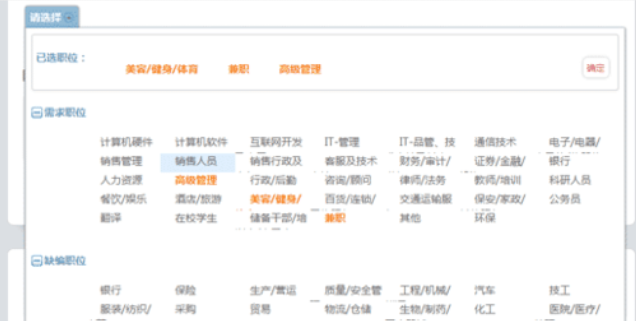
$("#id").multiSelect({ oneOrMoreSelected: '*',selectAll:false,noneSelected:'默认显示' });
Usage: $('#id').multiSelect( options, callback )
Options: selectAll - whether or not to display the Select All option; true/false, default = true
selectAllText - text to display for selecting/unselecting all options simultaneously
noneSelected - text to display when there are no selected items in the list
oneOrMoreSelected - text to display when there are one or more selected items in the list
(note: you can use % as a placeholder for the number of items selected).
Use * to show a comma separated list of all selected; default = '% selected'
optGroupSelectable - whether or not optgroups are selectable if you use them; true/false, default = false
listHeight - the max height of the droptdown options

每个人都需要一台速度更快、更稳定的 PC。随着时间的推移,垃圾文件、旧注册表数据和不必要的后台进程会占用资源并降低性能。幸运的是,许多工具可以让 Windows 保持平稳运行。

 C++高性能并发应用_C++如何开发性能关键应用
 Java AI集成Deep Java Library_Java怎么集成AI模型部署
 Golang后端API开发_Golang如何高效开发后端和API
 Python异步并发改进_Python异步编程有哪些新改进
 C++系统编程内存管理_C++系统编程怎么与Rust竞争内存安全
 Java GraalVM原生镜像构建_Java怎么用GraalVM构建高效原生镜像
 Python FastAPI异步API开发_Python怎么用FastAPI构建异步API
 C++现代C++20/23/26特性_现代C++有哪些新标准特性如modules和coroutines
Copyright 2014-2025 https://www.php.cn/ All Rights Reserved | php.cn | 湘ICP备2023035733号




 849
849

 收藏
收藏