
当初我觉得一个网站上注册和登录这两个功能很神奇,后来自己研究一下发现其实道理很简单,接下来看一下怎么实现的吧。。。。
我在我的电脑上建了几个文件:
login.html (登录页面)
register.html(注册页面)
success.html(登录成功跳转页面)
立即学习“PHP免费学习笔记(深入)”;
return.html(注册成功页面)
login.php
register.php
登录界面和注册界面以及success.html并没有
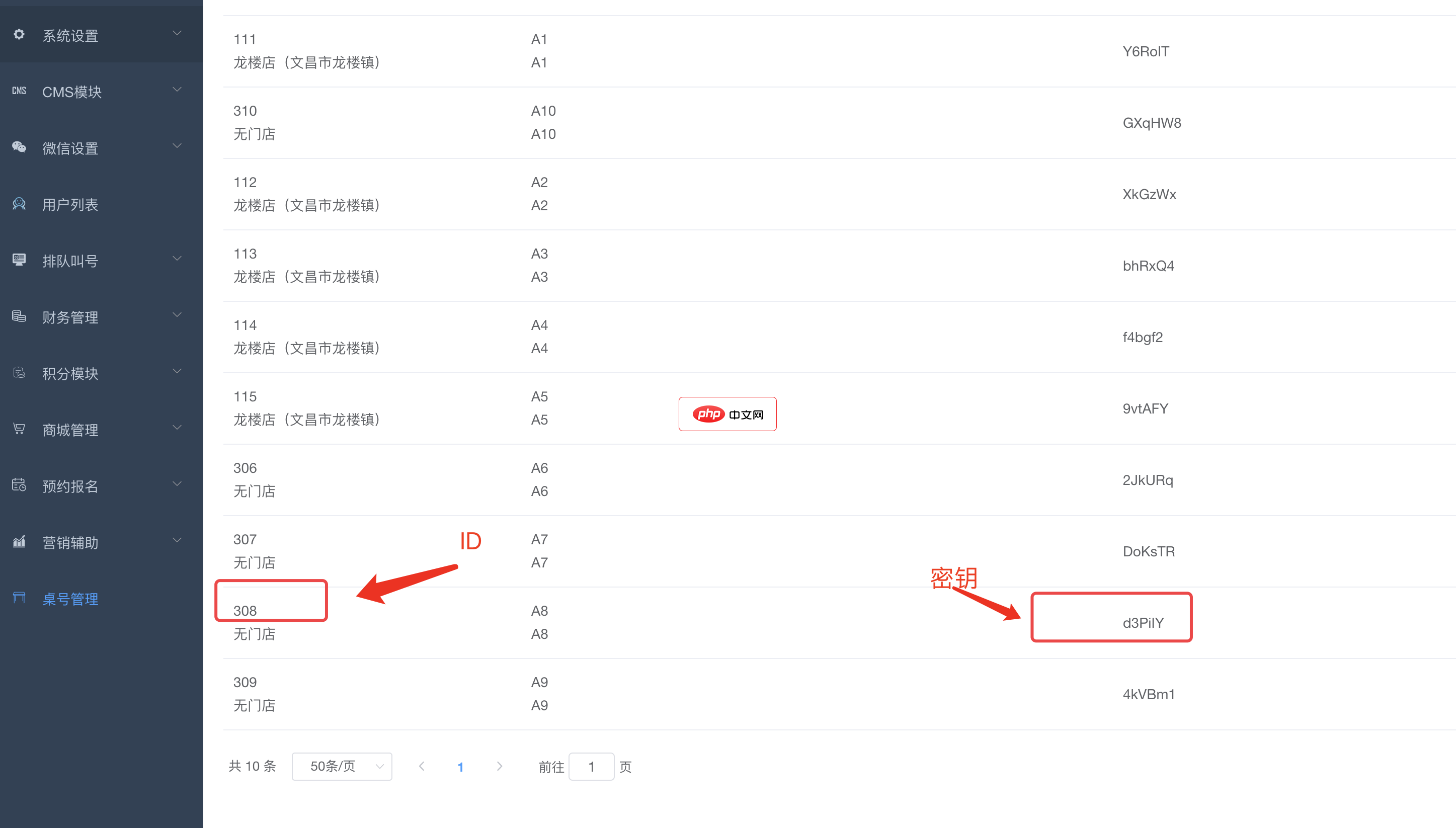
bee餐饮点餐外卖小程序是针对餐饮行业推出的一套完整的餐饮解决方案,实现了用户在线点餐下单、外卖、叫号排队、支付、配送等功能,完美的使餐饮行业更高效便捷!功能演示:1、桌号管理登录后台,左侧菜单 “桌号管理”,添加并管理你的桌号信息,添加以后在列表你将可以看到 ID 和 密钥,这两个数据用来生成桌子的二维码2、生成桌子二维码例如上面的ID为 308,密钥为 d3PiIY,那么现在去左侧菜单微信设置
 3
3

什么都是些html标记如下:
<html>
<head>
<meta http-equiv="Content-Type" content="text/html; charset=utf-8">
<title>登录界面</title>
</head>

<body>
<form method="post" action="login.php">
账号:
<input type="text" name="usernamel"><br/><br/>
密码:
<input type="password" name="passwordl">
<input type="submit" value="登录" name="subl">
<a href="http://127.0.0.1:8080/register.html">没有账号,注册</a>
</form>
</body>
</html>
<html>
<head>
<meta http-equiv="Content-Type" content="text/html; charset=utf-8">
<title>会员注册</title>
</head>

<body>
<form method="post" action="register.php">
账  户:
<input type="text" name="username"><br/><br/>
密  码:
<input type="password" name="password"><br/><br/>
密码确认:
<input type="password" name="password2">
<input type="submit" value="注册" name="sub">
</form>
</body>
</html>
return.html是注册成功之后呈现的页面,里面有一段js代码是用来定时返回登录界面的
<html>
<head>
<meta http-equiv="Content-Type" content="text/html; charset=utf-8">
<title>无标题文档</title>
</head>

<body>
注册成功!<br/>
5秒后返回登录界面<br/>
你也可以直接点击回到<a href="http://127.0.0.1:8080/login.html">登录页面</a>
<script type="text/javascript">
setTimeout("ren()",5000);
function ren()
{
  window.location="http://127.0.0.1:8080/login.html";
}

</script>

</body>
</html>register.php这是与注册页面相对应后台页面
<?php
$link=mysql_connect("localhost","root","207207");//链接数据库
header("Content-type:text/html;charset=utf-8");
if($link)
{
//echo"链接数据库成功";
$select=mysql_select_db("login",$link);//选择数据库
if($select)
{
//echo"选择数据库成功!";
if(isset($_POST["sub"]))
{
$name=$_POST["username"];
$password1=$_POST["password"];//获取表单数据
$password2=$_POST["password2"];
if($name==""||$password1=="")//判断是否填写
{
echo"<script type="."\""."text/javascript"."\"".">"."window.alert"."("."\""."请填写完成!"."\"".")".";"."</script>";
echo"<script type="."\""."text/javascript"."\"".">"."window.location="."\""."http://127.0.0.1:8080/register.html"."\""."</script>";
exit;
}
if($password1==$password2)//确认密码是否正确
{
$str="select count(*) from register where username="."'"."$name"."'";
$result=mysql_query($str,$link);
$pass=mysql_fetch_row($result);
$pa=$pass[0];
if($pa==1)//判断数据库表中是否已存在该用户名
{
echo"<script type="."\""."text/javascript"."\"".">"."window.alert"."("."\""."该用户名已被注册"."\"".")".";"."</script>";
echo"<script type="."\""."text/javascript"."\"".">"."window.location="."\""."http://127.0.0.1:8080/register.html"."\""."</script>";
exit;
}
$sql="insert into register values("."\""."$name"."\"".","."\""."$password1"."\"".")";//将注册信息插入数据库表中
//echo"$sql";
mysql_query($sql,$link);
mysql_query('SET NAMES UTF8');
$close=mysql_close($link);
if($close)
{
//echo"数据库关闭";
//echo"注册成功!";
echo"<script type="."\""."text/javascript"."\"".">"."window.location="."\""."http://127.0.0.1:8080/return.html"."\""."</script>";
}
}
else
{
echo"<script type="."\""."text/javascript"."\"".">"."window.alert"."("."\""."密码不一致!"."\"".")".";"."</script>";
echo"<script type="."\""."text/javascript"."\"".">"."window.location="."\""."http://127.0.0.1:8080/register.html"."\""."</script>";
}
}
}
}
?>login.php登录界面对应后台文件
<?php
header("Content-type:text/html;charset=utf-8");
$link=mysql_connect("localhost","root","207207");
if($link)
{
$select=mysql_select_db("login",$link);
if($select)
{
if(isset($_POST["subl"]))
{
$name=$_POST["usernamel"];
$password=$_POST["passwordl"];
if($name==""||$password=="")//判断是否为空
{
echo"<script type="."\""."text/javascript"."\"".">"."window.alert"."("."\""."请填写正确的信息!"."\"".")".";"."</script>";
echo"<script type="."\""."text/javascript"."\"".">"."window.location="."\""."http://127.0.0.1:8080/login.html"."\""."</script>";
exit;
}
$str="select password from register where username="."'"."$name"."'";
mysql_query('SET NAMES UTF8');20 $result=mysql_query($str,$link);
$pass=mysql_fetch_row($result);
$pa=$pass[0];
if($pa==$password)//判断密码与注册时密码是否一致
{
echo"登录成功!";
echo"<script type="."\""."text/javascript"."\"".">"."window.location="."\""."http://127.0.0.1:8080/success.html"."\""."</script>";
}
{
echo"<script type="."\""."text/javascript"."\"".">"."window.alert"."("."\""."登录失败!"."\"".")".";"."</script>";
echo"<script type="."\""."text/javascript"."\"".">"."window.location="."\""."http://127.0.0.1:8080/login.html"."\""."</script>";
}
}
}
}
?>自己闲来无事做的还有许多要完善的地方,欢迎大家提问讨论,提供更简便的方法!
以上就是小编为大家带来的php注册和登录界面的实现案例(推荐)全部内容了,希望大家多多支持本站~

PHP怎么学习?PHP怎么入门?PHP在哪学?PHP怎么学才快?不用担心,这里为大家提供了PHP速学教程(入门到精通),有需要的小伙伴保存下载就能学习啦!

 C++高性能并发应用_C++如何开发性能关键应用
 Java AI集成Deep Java Library_Java怎么集成AI模型部署
 Golang后端API开发_Golang如何高效开发后端和API
 Python异步并发改进_Python异步编程有哪些新改进
 C++系统编程内存管理_C++系统编程怎么与Rust竞争内存安全
 Java GraalVM原生镜像构建_Java怎么用GraalVM构建高效原生镜像
 Python FastAPI异步API开发_Python怎么用FastAPI构建异步API
 C++现代C++20/23/26特性_现代C++有哪些新标准特性如modules和coroutines
 广告
广告
 收藏
收藏
 收藏
收藏
 收藏
收藏
Copyright 2014-2025 https://www.php.cn/ All Rights Reserved | php.cn | 湘ICP备2023035733号


 186
186













