transition属性的使用方法:transition:property duration timing-function;
其中property表示对哪个属性进行平滑过渡,duration表示多长时间完成属性值的平滑过渡,timing-function表示通过什么方法来进行平滑过渡。
多平滑过渡示例:
 1 <!DOCTYPE html> 2 <html lang="zh-CN"> 3 <head> 4
 <meta http-equiv="content-type" content="text/html; charset=utf-8"> 5
 <meta http-equiv="x-ua-compatible" content="IE=edge"> 6
 <meta name="viewport" content="width=device-width, initial-scale=1, maximum-scale=1, user-scalable=no"> 7
 <title>测试</title> 8 </head> 9 <body>10 <div id="test"></div>11 <style>12     #test{13
 width: 500px;14         height: 500px;15         background-color: yellow;16         /*css动画*/17
transform: rotate(0);18 -webkit-transition: transform 0.5s linear, width 0.5s linear;19 -moz-transition: transform 0.5s linear, width 0.5s linear;20 -ms-transition: transform 0.5s linear, width 0.5s linear;21 -o-transition: transform 0.5s linear, width 0.5s linear;22 transition: transform 0.5s linear, width 0.5s linear;23 }24 #test:hover{25 width: 200px;26 transform: rotate(180deg);27 }28 </style>29 </body>30 </html>使用示例:
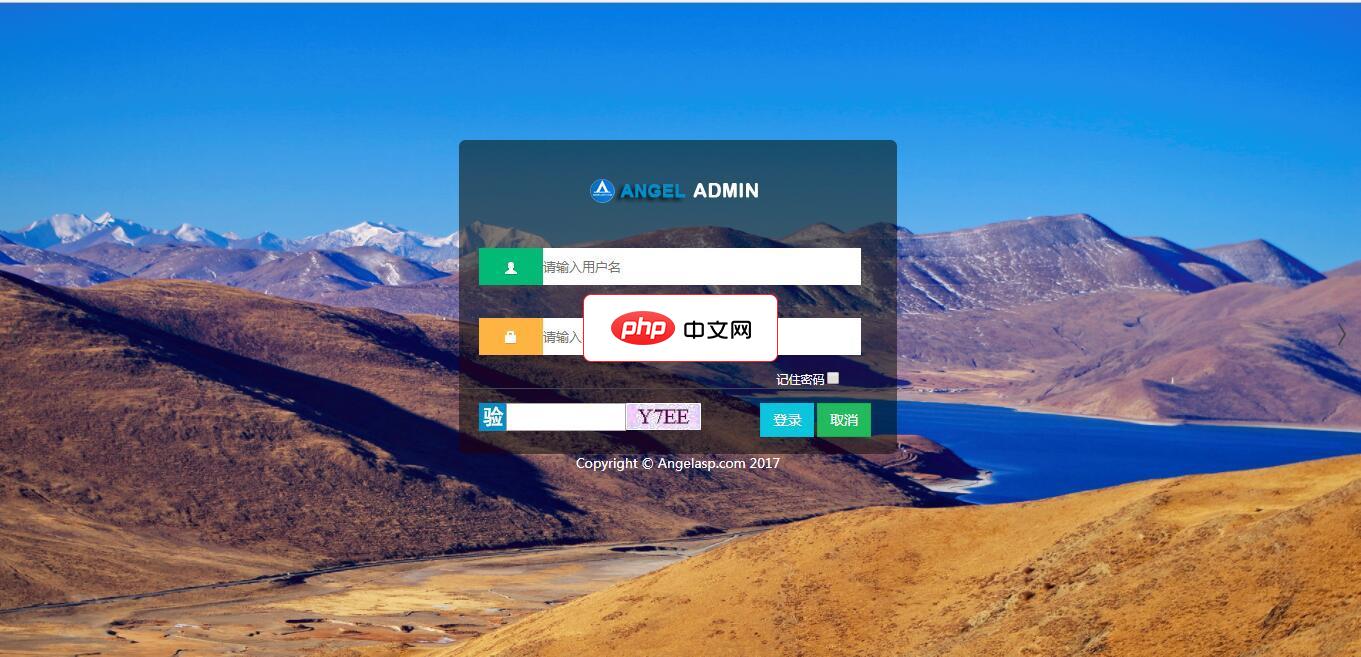
A+是一个完全响应式,基于Bootstrap3.3.7最新版本开发的扁平化主题,她采用了主流的左右两栏式布局,使用了Html5+CSS3等现代技术,她提供了诸多的强大的可以重新组合的UI组件,并集成了最新的jQuery版本(v2.1.1),当然,也集成了很多功能强大,用途广泛的jQuery插件,她可以用于所有的Web应用程序,如网站管理后台,网站会员中心,CMS,CRM,OA等等,当然,您也可以对
 0
0

 1 <!DOCTYPE html> 2 <html lang="zh-CN"> 3 <head> 4
 <meta http-equiv="content-type" content="text/html; charset=utf-8"> 5
 <meta http-equiv="x-ua-compatible" content="IE=edge"> 6
 <meta name="viewport" content="width=device-width, initial-scale=1, maximum-scale=1, user-scalable=no"> 7
 <title>测试</title> 8 </head> 9 <body>10 <div id="test"></div>11 <style>12 /*animation动画*/13
 @-webkit-keyframes colorChange {14         0%{15             background-color: deepskyblue;16         }
 50%{18
 background-color: red;19         }20
 100%{21             background-color: deepskyblue;22         }23     }24
 #test{25         width:500px;26         height: 500px;27
 background-color: deepskyblue;28     }29     #test:hover{30         animation-name: colorChange;
 animation-duration: 1s;32         animation-timing-function: linear;33     }34 </style>35 </body>36
</html>实现动画的方法:
立即学习“前端免费学习笔记(深入)”;
| 方法 | 属性值的变化速度 |
| linear | 在动画开始时与结束时以同样的速度进行变化 |
| ease-in | 动画开始时速度很慢,然后速度沿曲线值进行加快 |
| ease-out | 动画开始时速度很快,然后速度沿曲线值进行放慢 |
| ease | 动画开始时速度很慢,然后速度沿曲线值进行加快,然后再沿曲线值进行放慢 |
| ease-in-out | 动画开始时速度很慢,然后速度沿曲线值进行加快,然后再沿曲线值进行放慢 |
以上就是CSS3中transition功能怎么使用?的详细内容,更多请关注php中文网其它相关文章!

每个人都需要一台速度更快、更稳定的 PC。随着时间的推移,垃圾文件、旧注册表数据和不必要的后台进程会占用资源并降低性能。幸运的是,许多工具可以让 Windows 保持平稳运行。

 C++高性能并发应用_C++如何开发性能关键应用
 Java AI集成Deep Java Library_Java怎么集成AI模型部署
 Golang后端API开发_Golang如何高效开发后端和API
 Python异步并发改进_Python异步编程有哪些新改进
 C++系统编程内存管理_C++系统编程怎么与Rust竞争内存安全
 Java GraalVM原生镜像构建_Java怎么用GraalVM构建高效原生镜像
 Python FastAPI异步API开发_Python怎么用FastAPI构建异步API
 C++现代C++20/23/26特性_现代C++有哪些新标准特性如modules和coroutines
Copyright 2014-2025 https://www.php.cn/ All Rights Reserved | php.cn | 湘ICP备2023035733号


 902
902

 收藏
收藏