
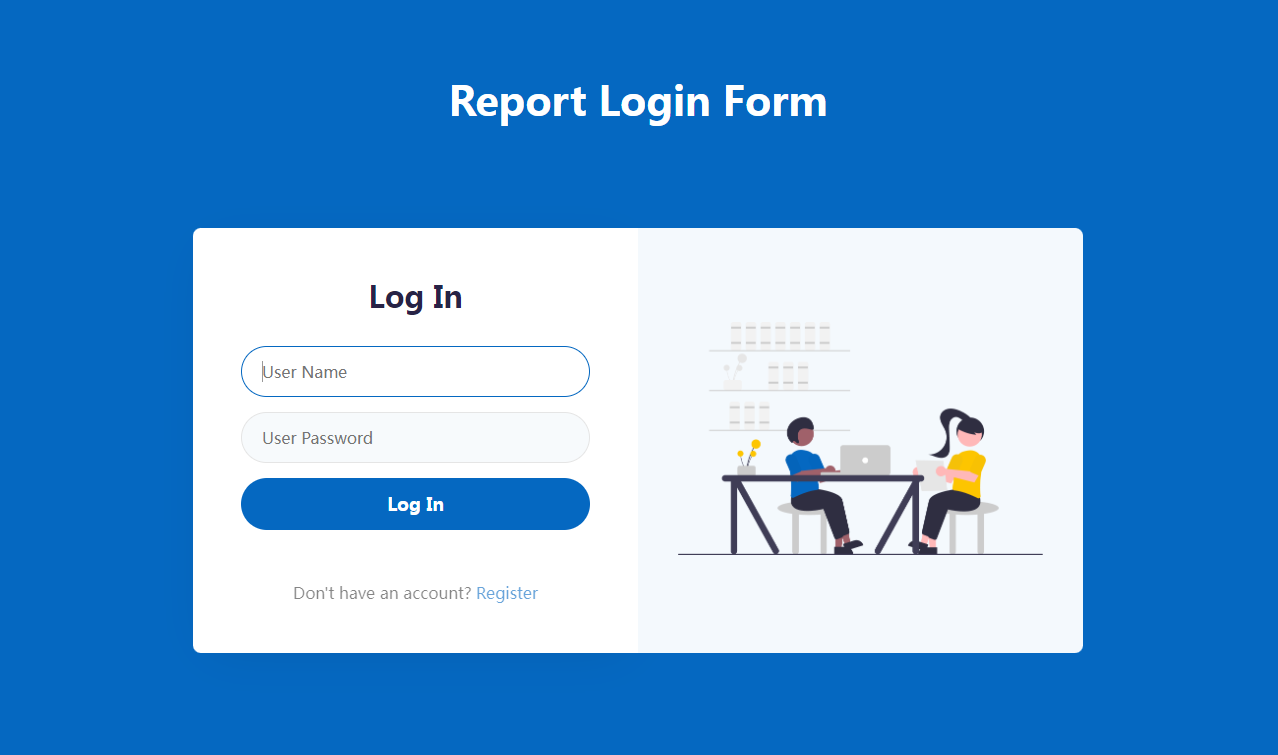
本篇文章主要介绍如何用css美化网站登录界面,需要的小伙伴参考下。
代码如下:
<html>
  <head>
  <meta http-equiv="Content-Type" content="text/html; charset=utf-8"/>
      <title>美化登录</title>
      <style type="text/css">
          *{margin:0;padding:0;}/*去掉页面样式*/
          body{color:white;}
          .content{
              background-color:pink;
             position:absolute;/*绝对定位*/
             top:50%;
             left:0;
             width:100%;
             height:400px;
             margin-top:-200px;
             overflow:hidden;/*隐藏滚动条*/
         }
         .main{
             text-align:center;/*文本居中*/
             max-width:600px;
             height:400px;
             padding:100px 0px;/*上下80px,左右为0*/
             /*background:yellow;*//*验证div的位置*/
             margin:0 auto;/*设置上右下左,居中显示*/
         }
         .main h1{
             font-family:"楷体";/*设置字体*/
             font-size:70px;/*设置字体大小*/
             font-weight:2px;/*调整字体粗细*/
         }
         form{
             padding:20px 0;
         }
         form input{
             border:1px solid white;
             display:block;
             margin:0px auto 10px auto;/*上 右  下 左*/
             padding:10px;
             width:220px;
             border-radius:30px;/*H5设置圆角边框*/
             font-size:18px;
             font-weight:300;
             text-align:center;
         }
         form input:hover{
             background-color:pink;
         }
         form button{
             background-color:yellow;
             border-radius:10px;
             border:0;
             height:30px;
             width:50px;
             padding:5px 10px;
         }
         form button:hover{
             background-color:red;
         }
     </style>
 </head>
 <body>
 <div class="content">
     <div class="main">
         <h1>Welcome</h1>
         <form>
             <input type="text" name="useid" placeholder="请输入账号"/>
             <input type="password" name="pw" placeholder="请输入密码">
             <button type="submit">登  录</button>
         </form>
     </div>
 </div>
</body>
</html>相关推荐:
立即学习“前端免费学习笔记(深入)”;
css美化、优化、合并工具推荐_html/css_WEB-ITnose
用纯CSS美化radio和checkbox_html/css_WEB-ITnose
以上就是css登录界面美化的详细内容,更多请关注php中文网其它相关文章!

每个人都需要一台速度更快、更稳定的 PC。随着时间的推移,垃圾文件、旧注册表数据和不必要的后台进程会占用资源并降低性能。幸运的是,许多工具可以让 Windows 保持平稳运行。

 广告
广告Copyright 2014-2025 https://www.php.cn/ All Rights Reserved | php.cn | 湘ICP备2023035733号




 914
914



 收藏
收藏















