



php中header的用法有:1、跳转页面;2、声明content-type;3、返回response状态码;4、在某个时间后执行跳转;5、控制浏览器缓存;6、执行http验证。

相关学习推荐:php编程(视频)
php header的用法是:
1. 跳转页面
header('Location:'.$url); //Location和":"之间无空格2. 声明content-type
立即学习“PHP免费学习笔记(深入)”;
header('content-type:text/html;charset=utf-8');3. 返回response状态码
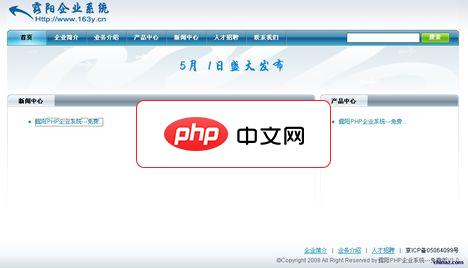
露阳PHP企业系统1.0
下载
1.) 将所有文件解压到php环境中,本程序才用smarty+php+mysql设计。如果运行不了,请修改hhy文件夹下的smarty.php文件改法请看说明2.) 修改configs下的config.inc.php下的连接数据库的密码和用户名3.) 本程序没有做安全页面,人工导入sql.inc到mysql数据库。管理员初始化帐号为admin,密码为hhy。后台地址:http://你的网站地址/h
header('HTTP/1.1 404 Not Found');4. 在某个时间后执行跳转
header('Refresh: 10; url=http://www.baidu.com/'); //10s后跳转5. 控制浏览器缓存
header("Expires: Mon, 26 Jul 1997 05:00:00 GMT");
header("Last-Modified: " . gmdate("D, d M Y H:i:s") . "GMT");
header("Cache-Control: no-cache, must-revalidate");
header("Pragma: no-cache");
6. 执行http验证
header('HTTP/1.1 401 Unauthorized');
header('WWW-Authenticate: Basic realm="Top Secret"');
7. 执行下载操作
header('Content-Type: application/octet-stream'); //设置内容类型
header('Content-Disposition: attachment; filename="example.zip"'); //设置MIME用户作为附件
header('Content-Transfer-Encoding: binary'); //设置传输方式
header('Content-Length: '.filesize('example.zip')); //设置内容长度想了解更多编程学习,敬请关注php培训栏目!




