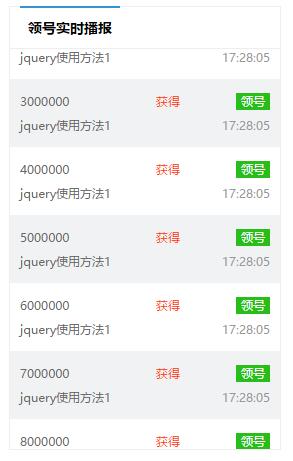
jquery实现简单的无缝滚动
- 1
- 2
- 3
- 4
- 5
- 6
- 7
- 8
- 9
- 10
- 11
- 12
- 13
- 14
- 15
- 16
- 17
- 18
- 19
- 20
- 21
- 22
- 23
- 24
scroll()用法:
function scroll(){
   $(".content ul").animate({"margin-left":"-110px"},function(){
   //这个是让整个ul先向前滑动个li ,如果要一次性滑动5个~那么就是550px.
  //想向上滚动就改成 $(".content ul").animate({"margin-top":"-105px"}
  //想向下滚动就改成 $(".content ul").animate({"margin-top":"105px"}
  //想向右滚动就改成 $(".content ul").animate({"margin-left":"110px"}
     $(".content ul li:eq(0)").appendTo($(".content ul"))
     $(".content ul").css({"margin-left":0})
  //对应这的这边
  //想向上滚动就改成 $(".content ul").animate({"margin-top":0}
  //想向下滚动就改成 $(".content ul").animate({"margin-top":0}
  //想向右滚动就改成 $(".content ul").animate({"margin-left":0}
   })
   }
    setInterval(scroll,1000)
  //这上面的是1000是滚动的速度,可以自己调整
以上所述就是本文的全部内容了,希望大家能够喜欢。