




 收藏
收藏







 天蓬老师
天蓬老师批改状态:合格
老师批语:钩子, 其实就是一个事件方法, 并不神秘


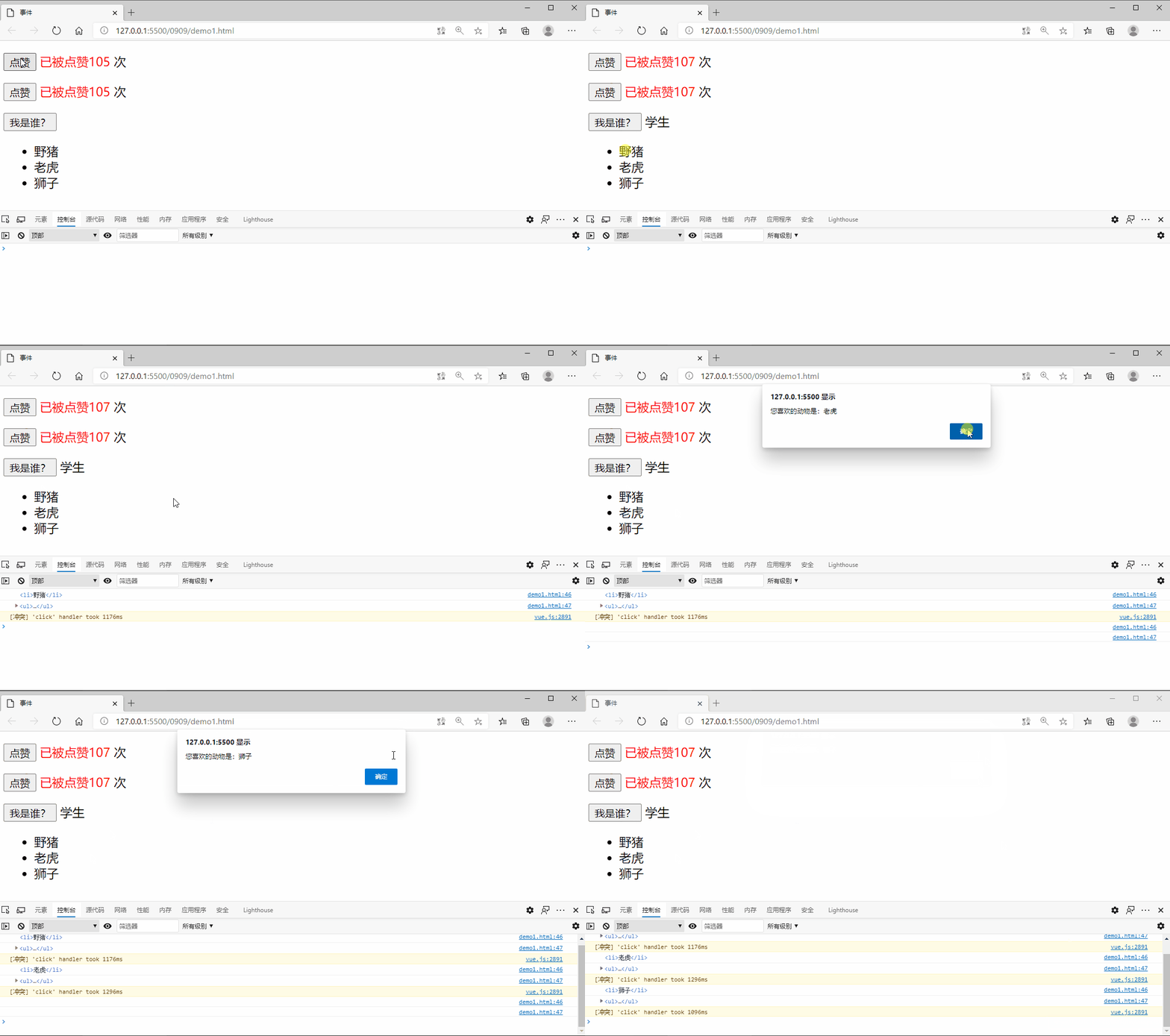
<!DOCTYPE html><html lang="en"><head><meta charset="UTF-8" /><meta name="viewport" content="width=device-width, initial-scale=1.0" /><title>事件</title><script src="./lib/vue.js"></script></head><body><div class="app"><p><button v-on:click="num++">点赞</button><span style="color: red">已被点赞{{num}} </span><span>次</span></p><p><button v-on:click="liked">点赞</button><span style="color: red">已被点赞{{num}} </span><span>次</span></p><p><button @click="whoami('学生')">我是谁?</button><span>{{name}}</span></p><!-- 如果要访问原生的事件对象Event,第一使用固定的参数名$event,而且必须是最后一个参数(多个参数时) --><!-- 声明时要加$ $event 接收时不用加$ --><ul @click="show($event)"><li v-for="item of animal">{{item}}</li></ul></div><script>const vm = new Vue({el: ".app",data: {num: 100,name: null,animal: ["野猪", "老虎", "狮子"],},methods: {liked() {this.num++;},whoami(name) {this.name = name;},show(event) {console.log(event.target);console.log(event.currentTarget);alert(`您喜欢的动物是:${event.target.innerHTML}`);},},});</script></body></html>
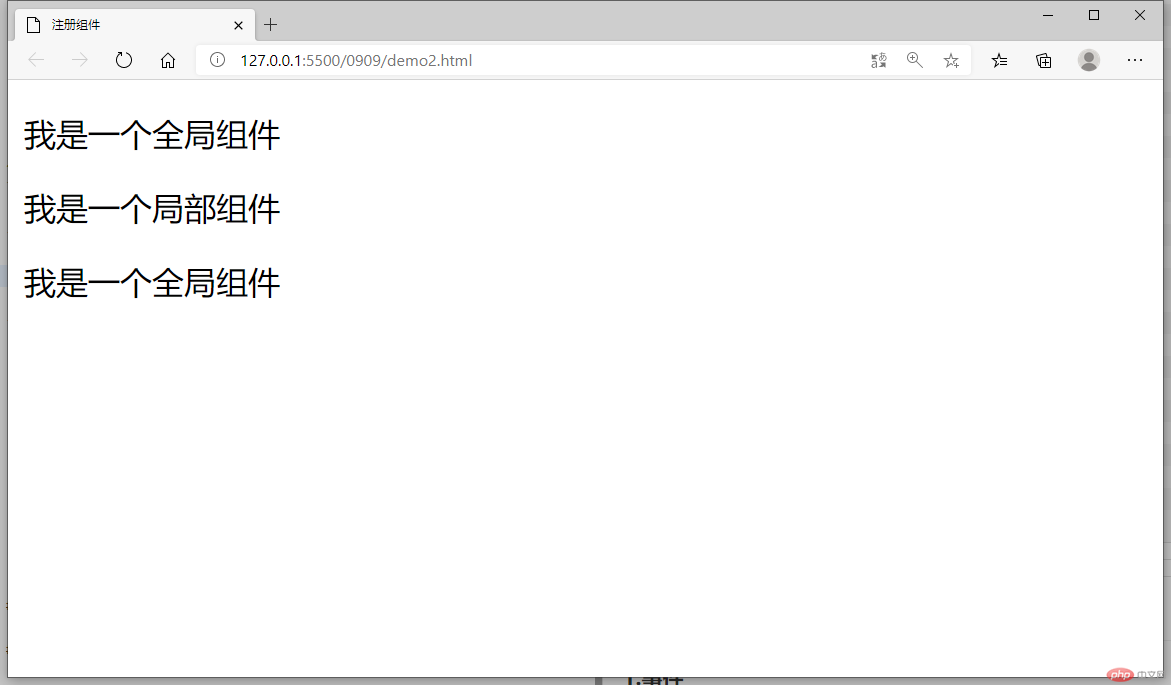
<!DOCTYPE html><html lang="en"><head><meta charset="UTF-8" /><meta name="viewport" content="width=device-width, initial-scale=1.0" /><title>注册组件</title><script src="./lib/vue.js"></script></head><body><div class="app"><!-- 加载到页面的挂载点中 --><global-component></global-component><global-component1></global-component1></div><div class="app2"><!-- 加载到页面的挂载点中 --><global-component></global-component><global-component1></global-component1></div><script>//全局组件:在所有的Vue实例中都可以用//Vue.component(组件标签,组件的模板内容)//组件声明Vue.component("global-component", {//template:用户自定义的组件模板的内容template: "<p>我是一个全局组件</p>",});const vm = new Vue({el: ".app",data: {},components: {"global-component1": {template: "<p>我是一个局部组件</p>",},},});const vm2 = new Vue({el: ".app2",data: {},});</script></body></html>
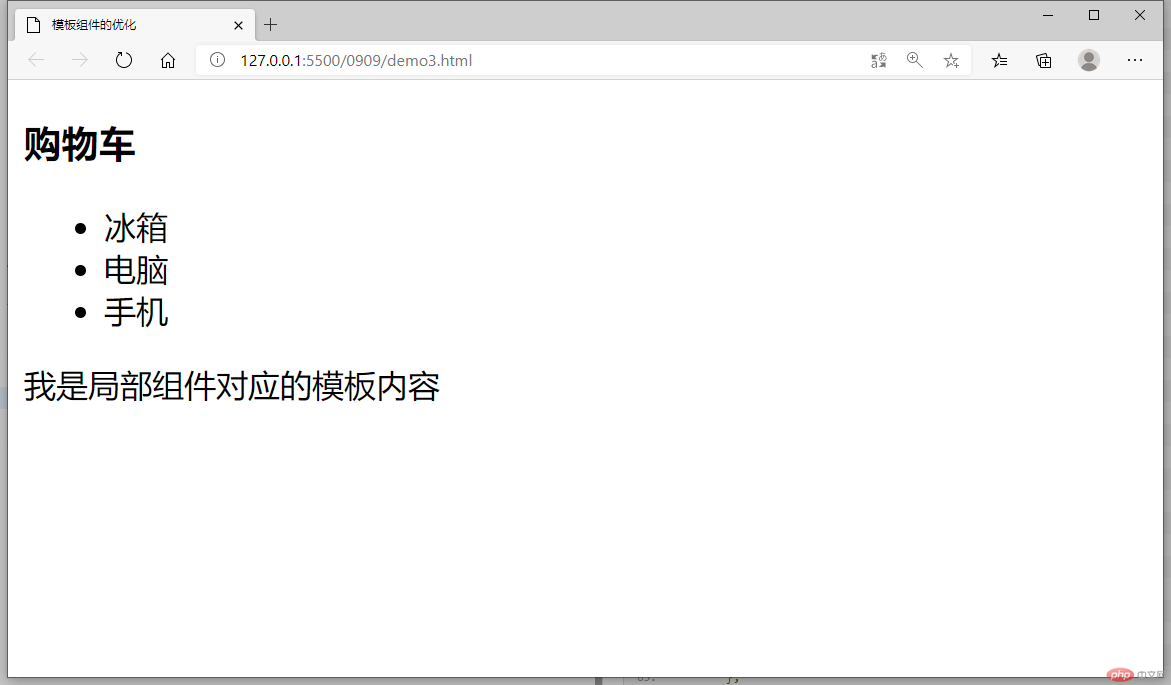
<!DOCTYPE html><html lang="en"><head><meta charset="UTF-8" /><meta name="viewport" content="width=device-width, initial-scale=1.0" /><title>模板组件的优化</title><script src="./lib/vue.js"></script></head><body><div class="app"><global-component></global-component><local-component></local-component></div><!-- <script type="x-template" id="g-com1"><div class="cart"><h3>购物车</h3><ul><li>汽车</li><li>飞机</li><li>火车</li></ul></div></script> --><template id="g-com1"><div class="cart"><h3>购物车</h3><ul><li>冰箱</li><li>电脑</li><li>手机</li></ul></div></template><!-- 局部组件 --><template id="l-com1"><div><span>我是局部组件对应的模板内容</span></div></template><script>//全局组件:在所有的Vue实例中都可以用Vue.component("global-component", {/* template: `<h3>购物车</h3><div class="cart"><ul><li>玩具汽车</li><li>玩具飞机</li><li>玩具火车</li></ul></div>`, */template: "#g-com1",});const vm = new Vue({el: ".app",data: {},components: {"local-component": {template: "#l-com1",},},});</script></body></html>
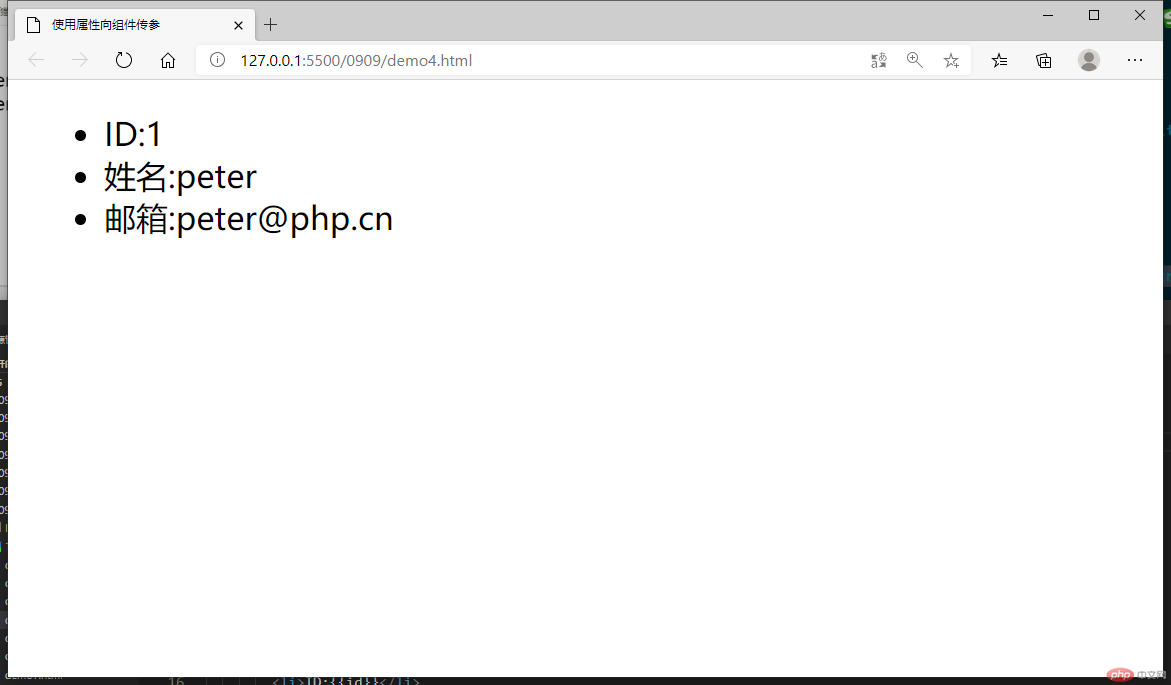
<!DOCTYPE html><html lang="en"><head><meta charset="UTF-8" /><meta name="viewport" content="width=device-width, initial-scale=1.0" /><title>使用属性向组件传参</title><script src="./lib/vue.js"></script></head><body><div class="app"><!-- 通过属性向组件传参 --><my-component id="1" name="peter" email="peter@php.cn"></my-component></div><template id="user"><ul><li>ID:{{id}}</li><li>姓名:{{name}}</li><li>邮箱:{{email}}</li></ul></template><script>//注册全局组件Vue.component("my-component", {template: "#user",//在组件中使用props属性来接收通过组件标签的属性传递过来的参数props: ["id", "name", "email"],});const vm = new Vue({el: ".app",data: {},components: {},});</script></body></html>
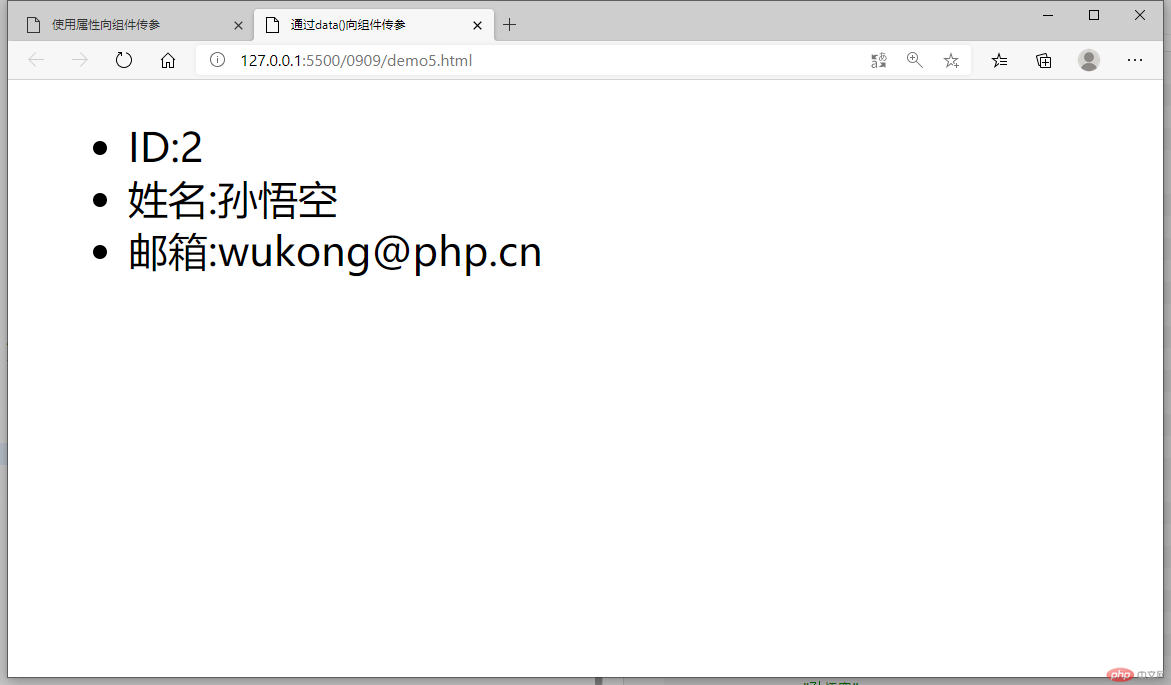
<!DOCTYPE html><html lang="en"><head><meta charset="UTF-8" /><meta name="viewport" content="width=device-width, initial-scale=1.0" /><title>通过data()向组件传参</title><script src="./lib/vue.js"></script></head><body><div class="app"><my-component></my-component></div><template id="user"><ul><li>ID:{{id}}</li><li>姓名:{{name}}</li><li>邮箱:{{email}}</li></ul></template><script>//注册全局组件Vue.component("my-component", {template: "#user",props: [],data() {return {id: 2,name: "孙悟空",email: "wukong@php.cn",};},});const vm = new Vue({el: ".app",data: {},components: {},});</script></body></html>
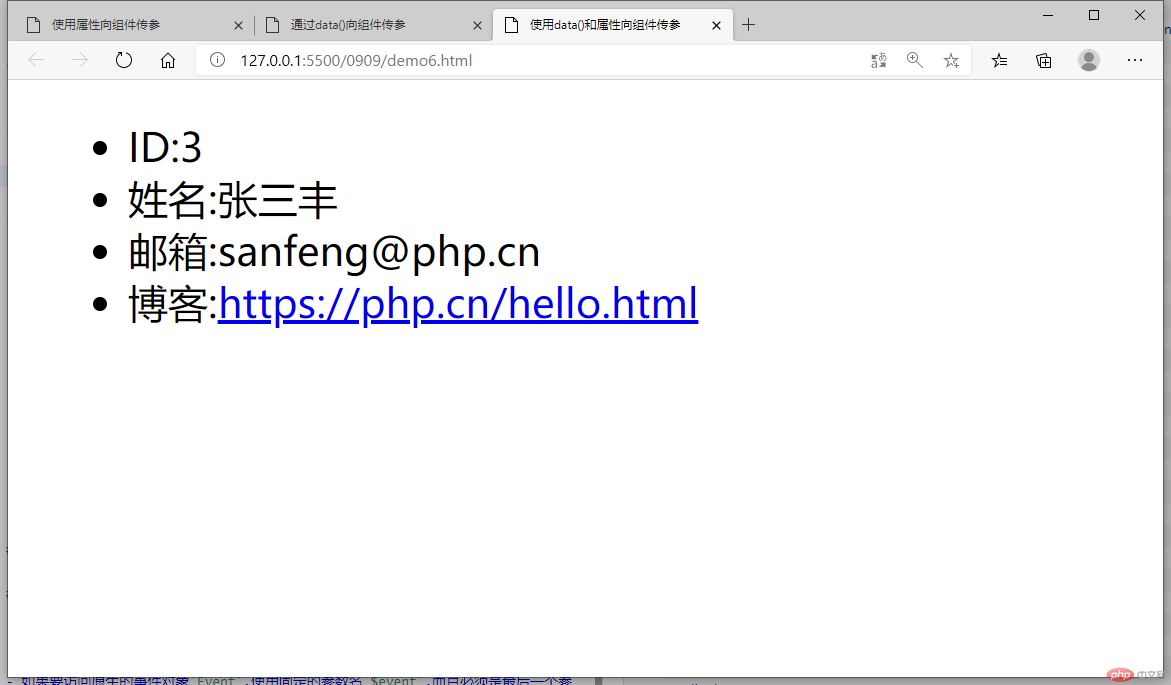
<!DOCTYPE html><html lang="en"><head><meta charset="UTF-8" /><meta name="viewport" content="width=device-width, initial-scale=1.0" /><title>使用data()和属性向组件传参</title><script src="./lib/vue.js"></script></head><body><div class="app"><my-component blog="https://php.cn/hello.html"></my-component></div><template id="user"><ul><li>ID:{{id}}</li><li>姓名:{{name}}</li><li>邮箱:{{email}}</li><li>博客:<a v-bind:href="blog">{{blog}}</a></li></ul></template><script>//注册全局组件Vue.component("my-component", {template: "#user",//自定义属性与data()方法共同向组件传参props: ["blog"],data() {return {id: 3,name: "张三丰",email: "sanfeng@php.cn",};},});const vm = new Vue({el: ".app",data: {},components: {},});</script></body></html>
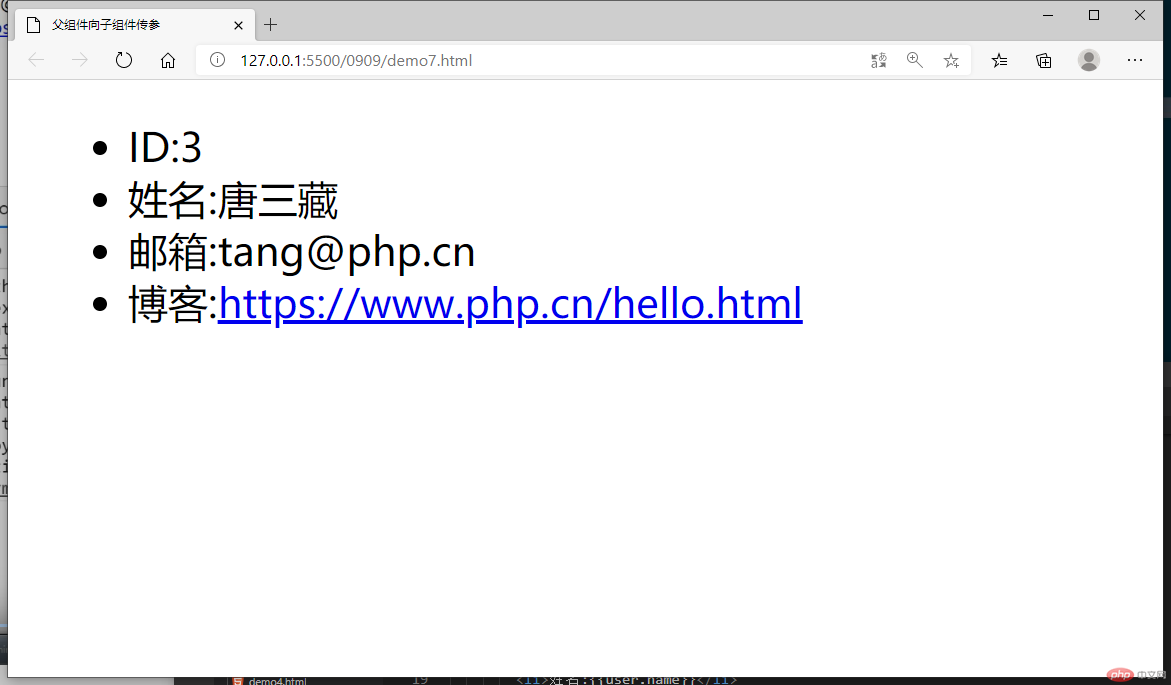
<!DOCTYPE html><html lang="en"><head><meta charset="UTF-8" /><meta name="viewport" content="width=device-width, initial-scale=1.0" /><title>父组件向子组件传参</title><script src="./lib/vue.js"></script></head><body><!-- 父组件:唯一的 --><div class="app"><!-- 子组件:可以有多个,可以由全局组件或局部组件充当 --><!-- 用自定义属性来实现父组件向子组件传参 --><my-component :user="user" :blog="blog"></my-component></div><template id="user"><ul><li>ID:{{user.id}}</li><li>姓名:{{user.name}}</li><li>邮箱:{{user.email}}</li><li>博客:<a :href="blog">{{blog}}</a></li></ul></template><script>//注册全局组件Vue.component("my-component", {template: "#user",//props: ["user"],props: {user: Object,blog: {type: String,default: "https://www.php.cn/default.html",},},});const vm = new Vue({el: ".app",data: {user: {id: 3,name: "唐三藏",email: "tang@php.cn",},blog: "https://www.php.cn/hello.html",},components: {},});</script></body></html>

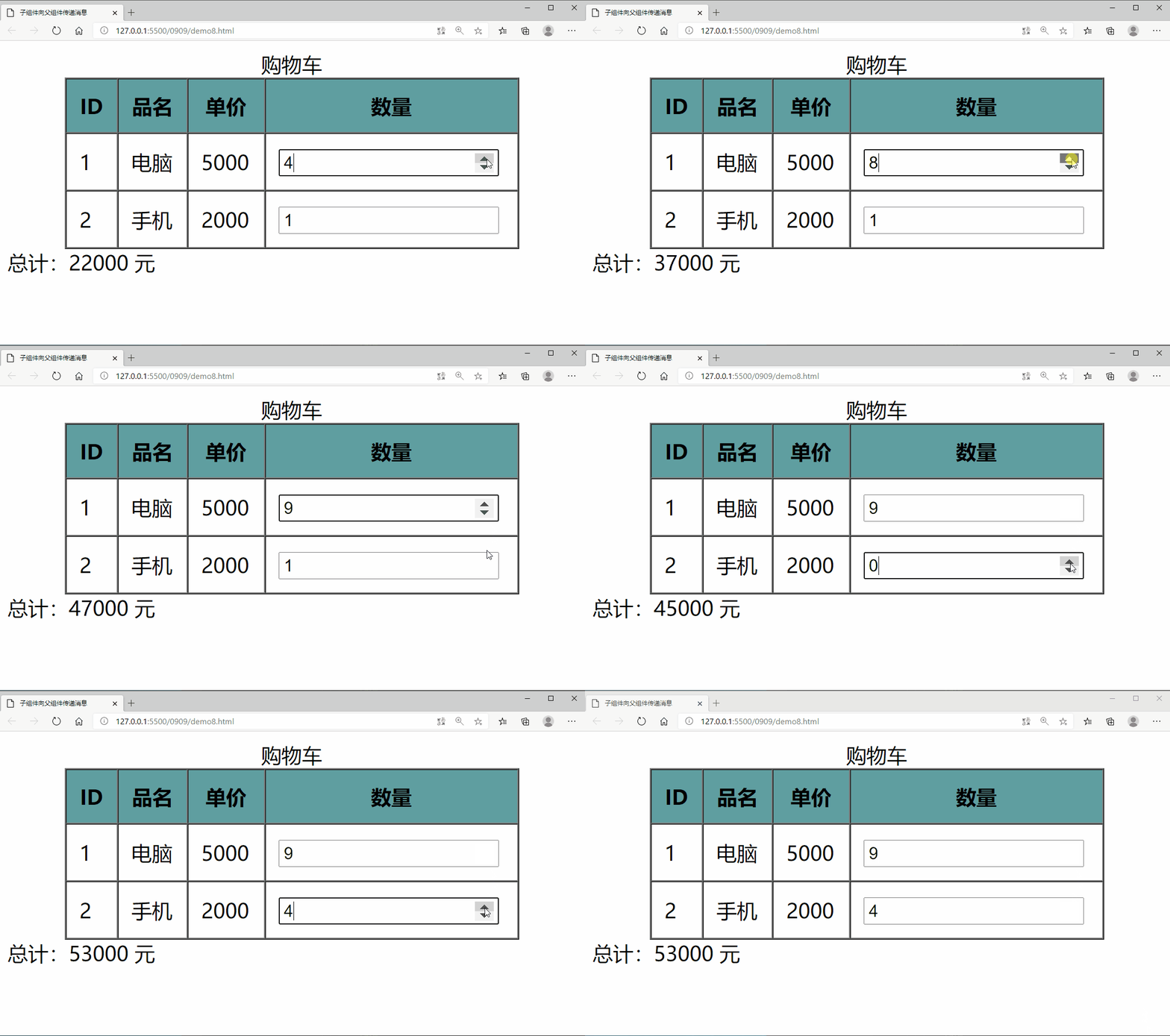
<!DOCTYPE html><html lang="en"><head><meta charset="UTF-8" /><meta name="viewport" content="width=device-width, initial-scale=1.0" /><title>子组件向父组件传递消息</title><script src="./lib/vue.js"></script></head><body><!-- 父组件:唯一的 --><div class="app"><!-- 子组件:可以有多个,可以由全局组件或局部组件充当 --><!-- 用自定义属性来实现父组件向子组件传参 --><!-- :product="product" 父组件到子组件的过程 --><!-- :total="total"子组件到父组件的过程 --><my-component:product="product"@count="total":total="total"></my-component><span>总计:{{totalPrice}} 元</span></div><template id="cart"><tableborder="1px"cellspacing="0px"cellpadding="10px"width="80%"align="center"><caption>购物车</caption><tr style="background-color: cadetblue"><th>ID</th><th>品名</th><th>单价</th><th>数量</th></tr><tr v-for="item of product"><td>{{item.id}}</td><td>{{item.name}}</td><td>{{item.price}}</td><td><input type="number" v-model="item.num" @change="count" /></td></tr></table></template><script>//注册全局组件Vue.component("my-component", {template: "#cart",props: ["product"],methods: {count() {//向父组件发送消息,调用父组件的total()this.$emit("count");},},});const vm = new Vue({el: ".app",data: {product: [{ id: 1, name: "电脑", price: 5000, num: 1 },{ id: 2, name: "手机", price: 2000, num: 1 },],totalPrice: 0,},mounted() {this.total();},methods: {total() {this.totalPrice = 0;this.product.forEach((item) => {this.totalPrice += item.num * item.price;});},},});//子组件</script></body></html>
v-on 指令监听 DOM 事件,并在触发时运行 JavaScript 代码
如果要访问原生的事件对象Event,使用固定的参数名$event,而且必须是最后一个参数(多个参数时)
可以简写成:@:click
事件修饰符:
.stop阻止单击事件继续传播
.prevent提交事件不再重载页面
.capture添加事件监听器时使用事件捕获模式
.self只当在 event.target 是当前元素自身时触发处理函数
.once点击事件将只会触发一次
.passive滚动事件的默认行为 (即滚动行为) 将会立即触发
全局组件:在所有的Vue实例中都可以用
局部组件:仅可以在当前的挂载点中使用
Vue.component(组件标签,组件的模板内容)声明组件
template:用户自定义的组件模板的内容
可以把自定义的模板内容单独拿出来放在<template></template>标签中
必须给<template></template>标签设置id属性
template:自定义的id名称
通过给组件标签设置自定义属性来传参
在组件中使用props属性来接收通过组件标签的属性传递过来的参数
在自定义模板中用{{}}来显示参数
通过给组件设置data(){}来给自定义模板传参
data(){}中用return{}来返回参数
在自定义模板中用{{}}来显示参数
data(){}和属性可以共同向组件传参父组件是唯一的
全局组件的父组件就是挂载点
子组件:可以有多个,可以由全局组件或局部组件充当
用自定义属性来实现父组件向子组件传参
子组件通过props: {}来接受并设置验证属性
$emit触发父组件的自定义事件
mounted(){}是vue中的一个钩子函数,一般在初始化页面完成后,再对dom节点进行相关操作

Copyright 2014-2025 https://www.php.cn/ All Rights Reserved | php.cn | 湘ICP备2023035733号


