

本文旨在探讨如何在Go语言中,不依赖文件存储,通过构建一个轻量级的Web服务来实时展示图像数据。我们将利用Go标准库中的`net/http`包搭建HTTP服务器,并结合简单的客户端JavaScript和HTML来请求并渲染图像。这种方法避免了传统GUI库的复杂性,提供了一种灵活且跨平台的图像显示方案,尤其适用于算法处理后图像的即时预览。
在Go语言中进行图像处理时,开发者常常面临一个挑战:如何直接、实时地显示处理后的图像,而无需将其保存到本地文件系统。虽然Go语言本身没有内置的“简单GUI函数”来直接弹出图像窗口,但通过其强大的标准库net/http,我们可以轻松搭建一个微型Web服务,将图像数据流式传输到浏览器,实现实时预览。这种方法不仅简单高效,而且具有跨平台和远程访问的优势。
本方案的核心思想是:
Go服务器的主要任务是创建一个HTTP处理器,该处理器负责生成图像数据、设置正确的HTTP头,并将图像数据写入响应体。
立即学习“go语言免费学习笔记(深入)”;
假设我们已经有了一个image.Image接口的图像对象,这可能是由Go的image包或第三方图像处理库生成的。如果需要从头开始生成,可以使用image.NewRGBA等函数。
package main

import (
    "fmt"
    "image"
    "image/color"
    "image/png" // 或 image/jpeg
    "log"
    "net/http"
    "strconv"
)

// generateImage 模拟生成一个简单的图像
func generateImage(width, height int) image.Image {
    upLeft := image.Point{0, 0}
    lowRight := image.Point{width, height}
    img := image.NewRGBA(image.Rectangle{upLeft, lowRight})

    // 填充一个简单的渐变色
    for x := 0; x < width; x++ {
        for y := 0; y < height; y++ {
            c := color.RGBA{
                R: uint8(x % 256),
                G: uint8(y % 256),
                B: 200,
                A: 255,
            }
            img.Set(x, y, c)
        }
    }
    return img
}

// imageHandler 处理图像请求
func imageHandler(w http.ResponseWriter, r *http.Request) {
    // 可以从URL参数获取图像尺寸,使其动态化
    widthStr := r.URL.Query().Get("width")
    heightStr := r.URL.Query().Get("height")

    width, err := strconv.Atoi(widthStr)
    if err != nil || width <= 0 {
        width = 200 // 默认宽度
    }
    height, err := strconv.Atoi(heightStr)
    if err != nil || height <= 0 {
        height = 200 // 默认高度
    }

    // 生成图像
    img := generateImage(width, height)

    // 设置Content-Type头,告知浏览器这是一个PNG图像
    w.Header().Set("Content-Type", "image/png")

    // 将图像编码为PNG格式并写入HTTP响应体
    if err := png.Encode(w, img); err != nil {
        http.Error(w, "Failed to encode image", http.StatusInternalServerError)
        log.Printf("Error encoding image: %v", err)
        return
    }
    log.Printf("Served image of size %dx%d", width, height)
}

// main 函数启动HTTP服务器
func main() {
    // 注册图像处理器
    http.HandleFunc("/image", imageHandler)

    // 注册一个简单的HTML页面处理器,用于展示图像
    http.HandleFunc("/", func(w http.ResponseWriter, r *http.Request) {
        fmt.Fprint(w, `
            <!DOCTYPE html>
            <html>
            <head>
                <title>Go Image Display</title>
                <style>
                    body { font-family: sans-serif; text-align: center; }
                    img { border: 1px solid #ccc; max-width: 80%; height: auto; margin-top: 20px; }
                    button { padding: 10px 20px; font-size: 16px; margin: 10px; cursor: pointer; }
                </style>
            </head>
            <body>
                <h1>Go语言实时图像展示</h1>
                <p>点击按钮刷新图像或指定尺寸。</p>
                <div>
                    <button onclick="refreshImage()">刷新图像 (200x200)</button>
                    <button onclick="refreshImage(400, 300)">刷新图像 (400x300)</button>
                    <button onclick="refreshImage(600, 400)">刷新图像 (600x400)</button>
                </div>
                @@##@@

                <script>
                    function refreshImage(width = 200, height = 200) {
                        const imgElement = document.getElementById('myImage');
                        // 通过改变src属性触发浏览器重新请求图像
                        imgElement.src = '/image?width=' + width + '&height=' + height + '&_t=' + new Date().getTime(); // 添加时间戳防止缓存
                    }
                </script>
            </body>
            </html>
        `)
    })

    port := ":8080"
    log.Printf("Server started on http://localhost%s", port)
    log.Fatal(http.ListenAndServe(port, nil))
}在上述代码中:
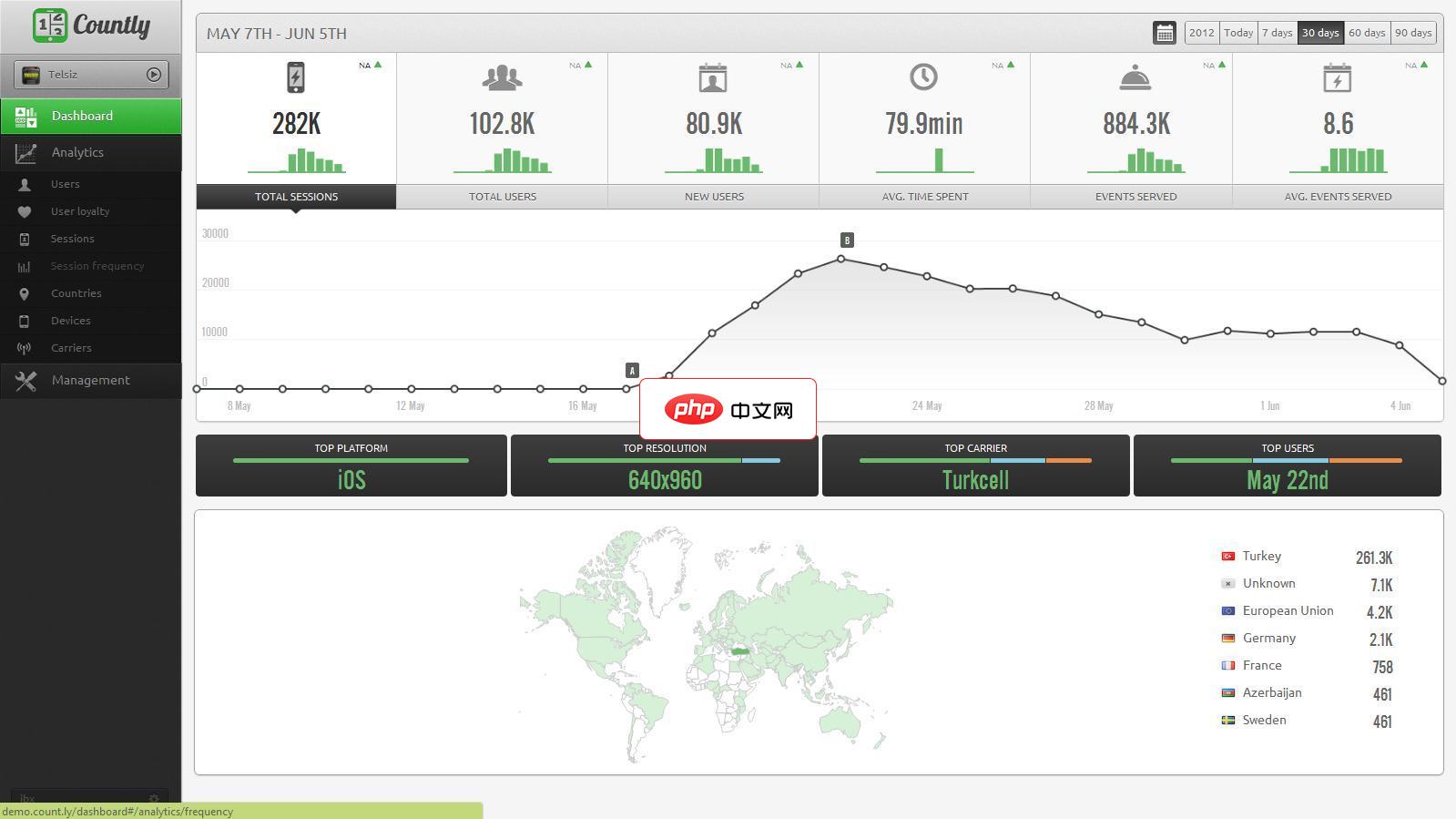
Countly 是一个实时的、开源的移动分析应用,通过收集来自手机的数据,并将这些数据通过可视化效果展示出来以分析移动应用的使用和最终用户的行为。截至2019年,支持超过2500个网站,16000个移动应用程序和多个桌面应用程序。它从移动,桌面,Web收集数据包括Apple Watch,TvOS和其他互联网连接设备的应用程序,并将这些信息可视化以分析应用程序使用情况和最终用户行为。
 0
0

客户端非常简单,只需要一个HTML页面,其中包含一个标签,其src属性指向Go服务器的图像URL。为了实现动态刷新,我们可以使用JavaScript来修改
标签的src属性。
上述Go代码中的main函数已经包含了HTML页面的内容,这里单独列出HTML/JavaScript部分以便理解:
<!DOCTYPE html>
<html>
<head>
    <title>Go Image Display</title>
    <style>
        body { font-family: sans-serif; text-align: center; }
        img { border: 1px solid #ccc; max-width: 80%; height: auto; margin-top: 20px; }
        button { padding: 10px 20px; font-size: 16px; margin: 10px; cursor: pointer; }
    </style>
</head>
<body>
    <h1>Go语言实时图像展示</h1>
    <p>点击按钮刷新图像或指定尺寸。</p>
    <div>
        <button onclick="refreshImage()">刷新图像 (200x200)</button>
        <button onclick="refreshImage(400, 300)">刷新图像 (400x300)</button>
        <button onclick="refreshImage(600, 400)">刷新图像 (600x400)</button>
    </div>
    @@##@@

    <script>
        function refreshImage(width = 200, height = 200) {
            const imgElement = document.getElementById('myImage');
            // 通过改变src属性触发浏览器重新请求图像
            // 添加时间戳 (_t) 参数是为了防止浏览器缓存图像,确保每次都从服务器获取最新图像
            imgElement.src = '/image?width=' + width + '&height=' + height + '&_t=' + new Date().getTime();
        }
    </script>
</body>
</html>当浏览器加载此HTML页面时,标签的src属性会自动向Go服务器的/image路径发起请求。每次点击按钮时,refreshImage JavaScript函数会更新
标签的src属性,浏览器会再次向服务器请求新的图像数据并显示。
你将看到一个包含图像的网页。每次点击按钮,图像都会刷新并可能改变尺寸,这表明Go服务器正在实时生成并提供图像。
通过net/http包构建一个简单的Web服务,是Go语言中一种高效且灵活的图像实时显示方案。它避免了传统GUI库的复杂性,利用浏览器作为显示界面,使得Go语言处理的图像能够轻松地被预览、调试或集成到Web应用中。这种方法尤其适合作为算法开发过程中的一个可视化工具,帮助开发者直观地观察图像处理的效果。
以上就是使用Go语言通过Web界面实时展示图像数据的详细内容,更多请关注php中文网其它相关文章!

每个人都需要一台速度更快、更稳定的 PC。随着时间的推移,垃圾文件、旧注册表数据和不必要的后台进程会占用资源并降低性能。幸运的是,许多工具可以让 Windows 保持平稳运行。

Copyright 2014-2025 https://www.php.cn/ All Rights Reserved | php.cn | 湘ICP备2023035733号


 257
257









 收藏
收藏












