

更多>
最新下载



24小时阅读排行榜
- 1 如何在Golang中使用指针切片_管理集合数据的引用和修改
- 2 如何使用Golang实现任务限流_Golang并发限流核心逻辑解析
- 3 html5播放rtmp流_使用第三方播放器支持方案【指南】
- 4 Golang指针为什么不能做运算_Golang指针限制规则与安全设计原因
- 5 html5如何设置标签_设置HTML5语义化标签用法【语义】
- 6 Javascript异步编程是什么_回调、Promise和Async/Await如何选择?
- 7 如何在Golang中测试结构体方法_通过table-driven方式验证输出
- 8 如何在Golang中实现云原生服务配置热更新_Golang云原生配置更新实践
- 9 如何为c++项目编写一个简单的Makefile g++编译自动化【入门教程】
- 10 如何使用Python进行可视化分析_Python绘图工具全面解析【技巧】
- 11 php程序怎么运行_运行php程序的环境与步骤【运行】
- 12 mysql如何优化IN条件查询_mysql IN条件性能优化
- 13 python pep8是什么
- 14 如何使用Golang实现请求上下文管理_传递用户信息和取消信号
- 15 如何搭建跨平台Golang开发环境_Golang跨平台环境搭建技巧
更多>
最新教程

-
- Node.js 教程
- 13887 2025-08-28
-
- CSS3 教程
- 1540042 2025-08-27
-
- Rust 教程
- 21583 2025-08-27
-
- Vue 教程
- 24115 2025-08-22
-
- PostgreSQL 教程
- 20868 2025-08-21
-
- Git 教程
- 8215 2025-08-21
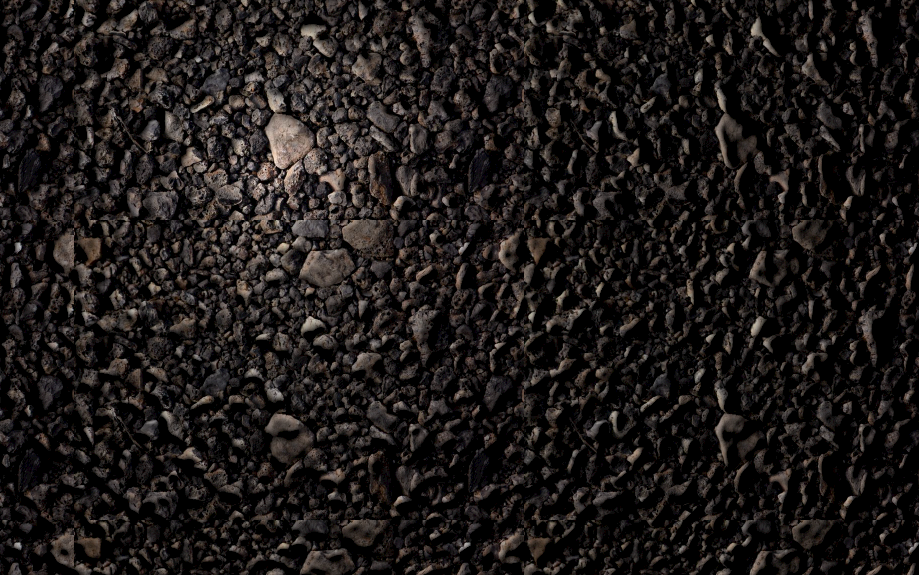
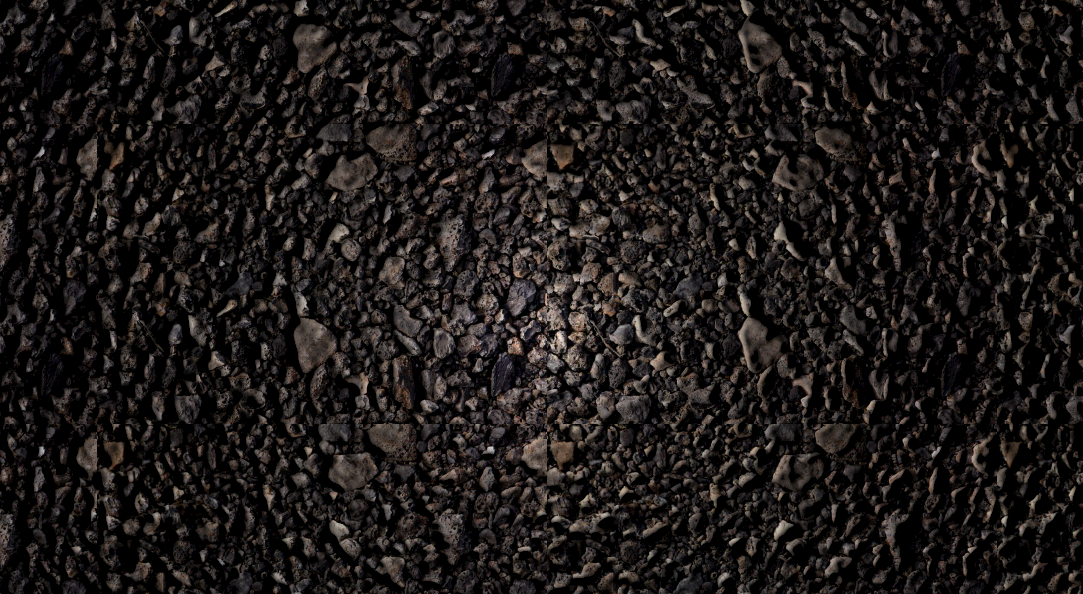
HTML5的模拟手电筒照明效果


<!doctype html>
<html>
<head>
<meta charset="utf-8">
<title>HTML5模拟手电筒照明效果</title>
<style>
html, body {
height: 100%;
margin: 0;
}
svg {
display: block;
}
</style>
</head>
<body>
<svg width="100%" height="100%"
xmlns="http://www.w3.org/2000/svg"
xmlns:xlink="http://www.w3.org/1999/xlink"
>
<filter id="light">
<!-- blur the source image to make bump map less sharp -->
<feGaussianBlur stdDeviation="3" result="blurred"></feGaussianBlur>
<!-- create bump map based on alpha channel -->
<feColorMatrix in="blurred" type="luminanceToAlpha" result="bumpMap"></feColorMatrix>
<!-- use bump map for lighting filter -->
<feDiffuseLighting in="bumpMap" surfaceScale="3" result="light">
<fePointLight x="225" y="150" z="30"></fePointLight>
</feDiffuseLighting>
<!-- compose the lighting result with source image using multiplication -->
<feComposite in="light" in2="SourceGraphic"
operator="arithmetic"
k1="1" k2="0" k3="0" k4="0">
</feComposite>
</filter>
<pattern id="pattern1"
width="450" height="300"
patternUnits="userSpaceOnUse"
>
<image xlink:href="img/codepen.jpg"
width="450" height="300"
></image>
</pattern>
<rect width="100%" height="100%"
fill="url(#pattern1)" filter="url(#light)"
></rect>
</svg>
<script>
const svgNode = document.querySelector('svg');
const fePointLightNode = svgNode.querySelector('fePointLight');
svgNode.addEventListener('mousemove', handleMove);
svgNode.addEventListener('touchmove', handleMove);
function handleMove(event) {
fePointLightNode.setAttribute('x', event.clientX);
fePointLightNode.setAttribute('y', event.clientY);
}
</script>
<div style="text-align:center;margin:50px 0; font:normal 14px/24px 'MicroSoft YaHei';">
</div>
</body>
</html>
<html>
<head>
<meta charset="utf-8">
<title>HTML5模拟手电筒照明效果</title>
<style>
html, body {
height: 100%;
margin: 0;
}
svg {
display: block;
}
</style>
</head>
<body>
<svg width="100%" height="100%"
xmlns="http://www.w3.org/2000/svg"
xmlns:xlink="http://www.w3.org/1999/xlink"
>
<filter id="light">
<!-- blur the source image to make bump map less sharp -->
<feGaussianBlur stdDeviation="3" result="blurred"></feGaussianBlur>
<!-- create bump map based on alpha channel -->
<feColorMatrix in="blurred" type="luminanceToAlpha" result="bumpMap"></feColorMatrix>
<!-- use bump map for lighting filter -->
<feDiffuseLighting in="bumpMap" surfaceScale="3" result="light">
<fePointLight x="225" y="150" z="30"></fePointLight>
</feDiffuseLighting>
<!-- compose the lighting result with source image using multiplication -->
<feComposite in="light" in2="SourceGraphic"
operator="arithmetic"
k1="1" k2="0" k3="0" k4="0">
</feComposite>
</filter>
<pattern id="pattern1"
width="450" height="300"
patternUnits="userSpaceOnUse"
>
<image xlink:href="img/codepen.jpg"
width="450" height="300"
></image>
</pattern>
<rect width="100%" height="100%"
fill="url(#pattern1)" filter="url(#light)"
></rect>
</svg>
<script>
const svgNode = document.querySelector('svg');
const fePointLightNode = svgNode.querySelector('fePointLight');
svgNode.addEventListener('mousemove', handleMove);
svgNode.addEventListener('touchmove', handleMove);
function handleMove(event) {
fePointLightNode.setAttribute('x', event.clientX);
fePointLightNode.setAttribute('y', event.clientY);
}
</script>
<div style="text-align:center;margin:50px 0; font:normal 14px/24px 'MicroSoft YaHei';">
</div>
</body>
</html>
本站所有资源都是由网友投搞发布,或转载各大下载站,请自行检测软件的完整性!本站所有资源仅供学习与参考,请勿用于商业用途,否则产生的一切后果将由您自己承担!如有侵权请联系我们删除下架,联系方式:admin@php.cn
相关推荐


热门下载




canvas音谱可视化mp3音乐播放器代码
html5 canvas通过AudioContext对获取audio标签播放的音域和音高,调用js绘制相应高度的矩形或线条。
播放器特效
2021-03-10






